
AI Mockup Generator Features UK Sellers Actually Need in 2026
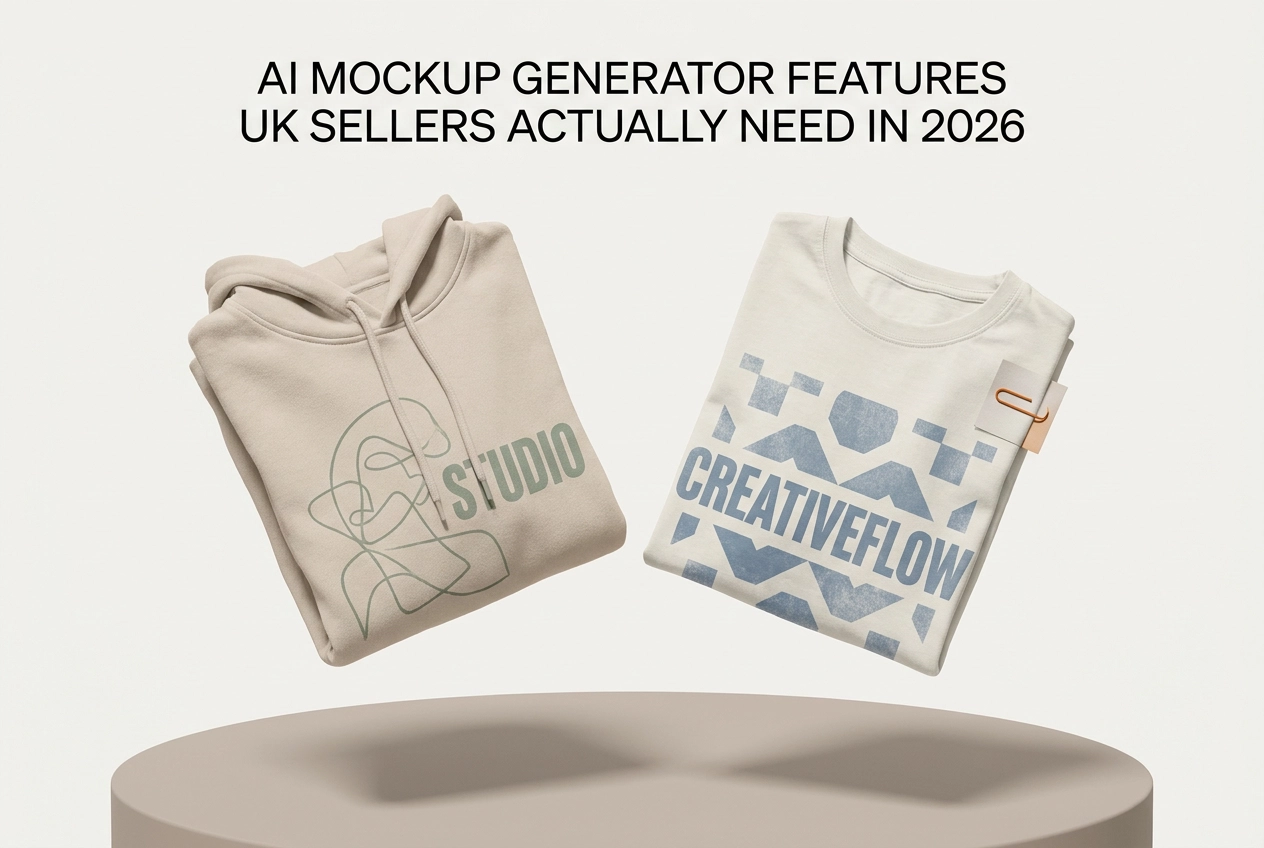
Most UK sellers evaluating an AI design generator in 2026 are asking the wrong questions. They're comparing batch processing speeds and background removal quality, treating these features as meaningful differentiators when they've quietly become the baseline expectation of every professional mockup tool on the market.
The result is poor purchasing decisions. Sellers commit to platforms that look capable on a checklist but fall short where it actually matters: garment colour accuracy across fabric types, realistic textile physics, model diversity that reflects real customer demographics, and deep integration with the specific channels they sell on, whether that's Etsy, Shopify, or TikTok Shop.
This guide is built specifically for UK sellers who want to stop evaluating tools on outdated criteria. You'll learn which features have transitioned from differentiators to table stakes, what genuinely separates competitive platforms in 2026, how model diversity functions as a conversion strategy rather than just a values statement, and how to practically assess a mockup tool before you commit. By the end, you'll have a clear framework for making the right choice based on criteria that actually move the needle.
Stop Evaluating Tools on the Wrong Features
If you are still scoring AI mockup tools on batch processing and background removal, you are evaluating on the wrong criteria entirely. In 2026, every professional-tier platform offers both as standard. Weighing them heavily in your decision is like choosing a smartphone based on whether it can make calls; it tells you nothing useful about the tools that actually matter.
The market has moved from feature parity to genuine differentiation. Sellers who keep building scorecards around table-stakes features consistently end up with the wrong platform for their actual workflow, one that ticks familiar boxes but fails where it counts.
It also matters which type of mockup workflow a tool uses, because not all platforms work the same way. Different tools take fundamentally different approaches to image generation, and understanding which approach your chosen tool uses changes your evaluation entirely. If you need a primer on how AI mockup generators turn design files into professional product images without photography or Photoshop, that context will sharpen every judgement this guide covers.
This guide focuses specifically on what separates genuinely useful platforms from the rest, for UK sellers operating across Etsy, Shopify, and TikTok Shop.
Garment Colour Accuracy: The Differentiator Most Sellers Overlook
Of all the criteria separating professional mockup tools in 2026, garment colour accuracy is the one most sellers underestimate until it costs them.
A rich navy on a cotton t-shirt should not render identically to the same colour on a fleece hoodie. Fabric weight, surface texture, and light absorption differ, and a tool that ignores these distinctions produces mockups that misrepresent your product. 22% of online returns happen because items looked different in person than in the listing, and inaccurate colour rendering is a direct contributor.
For UK sellers on Etsy and Shopify, product imagery is the primary trust signal. Buyers cannot handle the garment before purchasing, so they rely entirely on what they see. When your mockup shows a washed-out slate where the real product is a deep charcoal, you are setting up a return before the order has even shipped.
Tools that fall short here force sellers into a cycle of manual QA, re-exports, and listing corrections, which dismantles the efficiency that AI is supposed to deliver.
Mocksy supports an extensive garment colour range across t-shirts, sweatshirts, hoodies, and tank tops, giving sellers accurate colour representation without post-export correction. If you want to see how that translates into ready-to-use visuals, the guide on generate 5 professional mockups in one click (free trial) walks through the full process.
When testing any AI design generator, run it against your actual colour range, not just a white tee on a plain background. That is where colour rendering either holds up or fails.
Realistic Fabric Draping and Textile Physics
Colour accuracy tells one part of the story. Fabric draping tells the other.
Textile physics, how a garment folds, stretches, and sits on a body, is one of the clearest technical dividing lines between AI mockup tools in 2026. Tools that cannot handle it produce results that look painted on rather than worn: flat, stiff, and immediately unconvincing to anyone who has bought clothing online before.
The problem is most visible with heavyweight garments. A hoodie or sweatshirt has weight, structure, and movement. When a mockup renders those properties poorly, the result looks like a flat template with a design dropped on top. Shoppers notice, even if they cannot articulate why, and they keep scrolling. As research from arxiv.org confirms, integrating physics-based simulation with AI generation remains a genuine technical challenge, with design tools and physical simulation still operating as separate systems in many cases.
This is a competitive vulnerability. If your listings feature stiff, unconvincing mockups while a competitor's show garments that look wearable and real, the visual gap does the deciding. Weak product imagery quietly costs marketplace sellers real revenue, and poor textile rendering is one of the harder-to-spot contributors.
When testing any mockup tool, run your heaviest garments first. Generic ai drawing generator tools are built for broad visual output, not apparel-specific realism. Platforms built specifically for print-on-demand and e-commerce treat fabric rendering as a core requirement, not an afterthought.
Model Diversity: Inclusive Representation as a Conversion Strategy
Fabric rendering determines whether a garment looks real. Model representation determines whether shoppers see themselves wearing it. Both matter to conversion.
It follows that buyers are more likely to engage with product imagery featuring models who reflect their own body type, a principle that has driven major retailers to expand representation in their photography. For UK e-commerce sellers, this is now a mainstream consideration, not an edge case.
The practical advantage of AI mockup tools is that generating multiple representations from a single product image eliminates the cost and logistics of sourcing multiple models or booking additional photo shoots. Inclusive listings become operationally straightforward rather than expensive.
Mocksy provides a meaningful range of garment models, giving sellers a range of representation options across t-shirts, sweatshirts, hoodies, and tank tops without requiring any additional assets or manual work.
For sellers on Etsy and TikTok Shop specifically, this matters more than on most channels. Shoppers on these platforms are attuned to whether a brand is speaking to them or past them. Mockup diversity directly supports the trust signals those audiences expect.
When assessing any mockup AI platform, verify upfront whether model variety is included in the base plan or sits behind a higher pricing tier. Gating representation behind an upsell adds cost without offering any genuine product improvement. If a tool offers one default model and charges more for additional body types, that is a structural weakness worth noting before you commit.
Integration Depth: Connecting Your Mockups to Where You Actually Sell
Model diversity shapes who sees themselves in your listings. Integration depth determines how efficiently those listings ever go live.
UK sellers managing stores across Etsy, Shopify, and TikTok Shop face a compounding problem with poorly integrated tools: every mockup requires a separate export, manual resize, and individual upload for each channel. That friction compounds fast.
Native marketplace integration removes this bottleneck. When a tool connects directly to the platforms you sell on, it reduces manual handling, accelerates listing creation, and eliminates the resolution or format errors that get listings flagged or suppressed before they reach a single shopper.
This is where generic mockup generators fall short. Tools built for broad, general audiences are not designed around the output requirements of specific marketplaces. Platforms built specifically for print-on-demand and e-commerce sellers embed those requirements into the default workflow, so compliant exports happen automatically rather than through manual intervention.
The efficiency gap is most visible at volume. Publishing 20 new designs across two or three channels through a disconnected tool adds hours of repetitive handling each week. A connected workflow collapses that to minutes.
When evaluating integration, look beyond the list of compatible platforms. The meaningful question is how deep the connection actually goes. Does the tool export at the correct resolution automatically? Does it handle channel-specific format requirements without prompting? If you still need to intervene after export, the integration is superficial regardless of what the feature list claims.
Output Resolution and Marketplace Compliance
Even if your tool integrates flawlessly with Shopify or Etsy, it will still let you down if the files it exports are the wrong size.
Resolution is a detail many sellers assume is handled automatically. It rarely is. Etsy recommends listing images of at least 2,000 x 2,000 pixels, and explicitly notes that your first listing photo must be at least 635 pixels wide to avoid being ranked lower in search results. Low-resolution mockups do not just look poor; they actively suppress your listing's visibility before a single shopper sees it.
The practical floor across most major marketplaces sits at 1,000 pixels on the longest side, but that minimum is not a target worth aiming for. At that size, images appear soft or pixelated when viewed on retina screens or enlarged in search thumbnails. For print-on-demand sellers, where the mockup is the product, a compressed image creates an immediate trust gap that no amount of good copywriting will recover.
Tools purpose-built for e-commerce embed compliant output by default; generic generators typically require manual intervention. When evaluating any mockup ai platform, check the actual export dimensions before you commit, not the marketing copy.
Batch Processing and Background Removal: Good to Have, Not Good Enough Alone
Resolution sits on your minimum requirements list because every credible platform now meets that bar. The same logic applies to two more features sellers frequently over-index on.
By 2026, batch processing and background removal are table stakes, any credible platform includes both. Treat them as a qualification filter and move directly to the criteria that separate strong tools from adequate ones.
Mocksy treats this as it should be treated. One click produces multiple professional mockups across your garment range, so speed is built in rather than bolted on as a selling point.
The practical risk of over-weighting these features is straightforward: you can select a tool that handles batch output and background removal competently, then discover it falls short on colour accuracy across your garment range, offers limited model variety, or lacks native integration with Etsy or Shopify. Those gaps directly affect conversion. Batch speed does not compensate for a mockup that misrepresents your garment colour or looks unconvincing on a model.
How to Actually Evaluate a Mockup Tool Before You Commit
With your shortlist built on the right criteria, the final step is running a structured evaluation before you commit to any platform.
Test against your actual product range. Upload your real designs onto the specific garment colours and styles you sell. Demo assets are chosen to flatter the tool; your slate blue hoodie or oversized sweatshirt is the real test.
Run your heaviest garments first, fleece hoodies are where draping realism either holds up or fails.
Confirm model variety is available on your intended plan, not gated behind a higher tier.
Map the export workflow to your selling channels. Confirm whether the tool connects natively to Shopify, Etsy, or TikTok Shop, or whether every mockup requires a manual download, resize, and upload. For volume sellers, that difference compounds quickly across a catalogue.
Use free trials properly. Mocksy offers a free trial so you can test colour accuracy, textile rendering, and output quality on your own designs before committing.
The Right Criteria Make the Right Choice
Once you have run your tests and mapped your workflow, the decision itself should be straightforward.
The four criteria this guide has covered, colour accuracy, textile rendering, model diversity, and integration depth, remain the ones worth weighing.
For UK sellers on Etsy, Shopify, or TikTok Shop, the right tool fits the channels you already use and produces output that holds up to shopper scrutiny. Listings live or die on visual trust, and that trust is built through colour fidelity, convincing fabric rendering, and representation that resonates with your buyers.
Evaluate on what moves listings forward, not on what every platform already offers.
Mocksy supports an extensive garment colour range across t-shirts, sweatshirts, hoodies, and tank tops, with a meaningful range of garment models and batch output built in as standard. If you want to see whether it fits your workflow before committing, Mocksy offers a free trial so you can test colour accuracy, textile rendering, and output quality on your own designs before committing.
The evaluation framework in this guide exists for one reason: to redirect your attention toward the criteria that affect conversion, not just the ones that look good on a feature comparison table. Use it, and you will spend less time shortlisting the wrong tools and more time building listings that sell.
Conclusion

The evaluation framework above exists to redirect your attention to what actually moves buyers, use it before you commit.
For UK sellers, visual trust is the foundation of every listing. Shoppers decide in seconds, and your mockups carry the weight of that decision. The tools that support conversion are the ones that get colour, texture, and representation right.
Start your evaluation today. Mocksy offers a free trial so you can test colour accuracy, textile rendering, and output quality on your own designs before committing. Your listings deserve better than good enough.