
Generate 5 Professional Mockups in One Click (Free Trial)
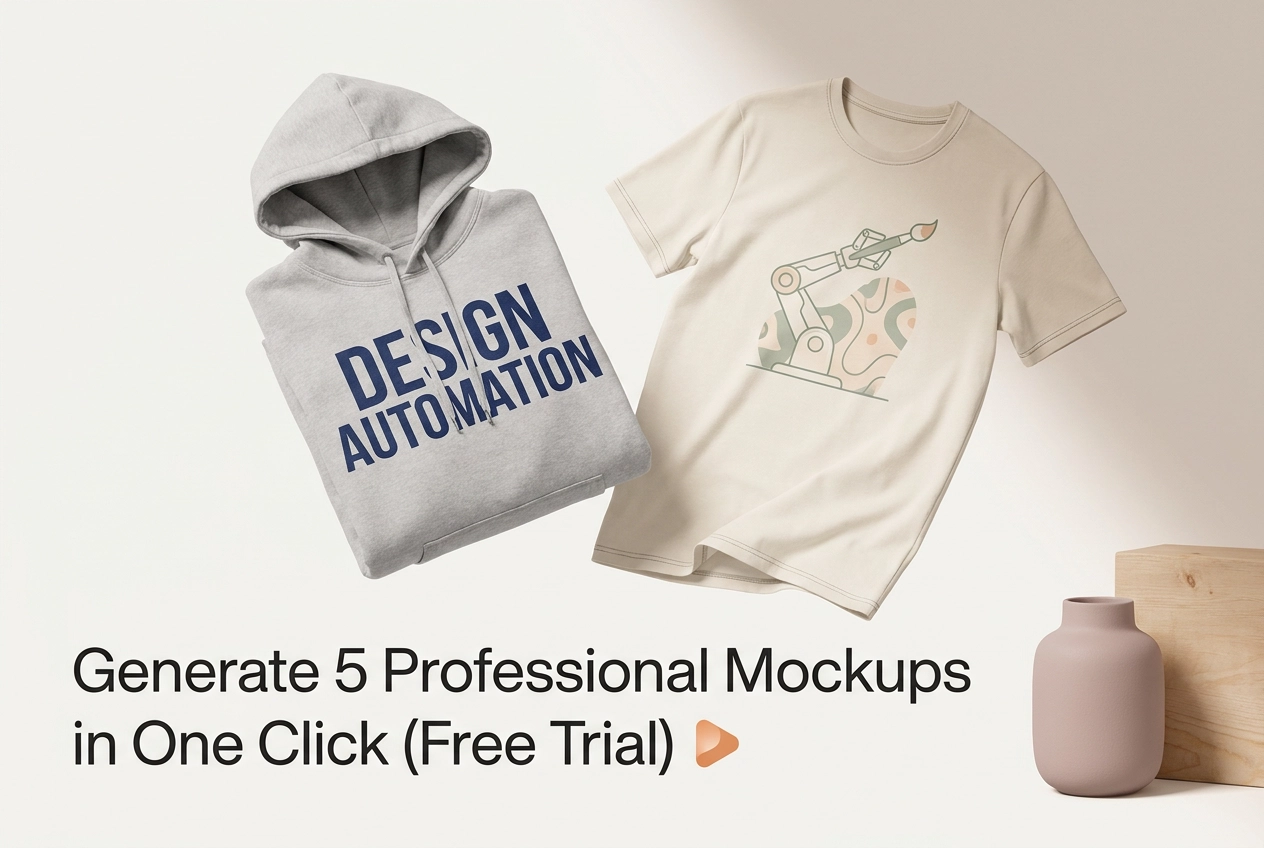
You finally finished your design. It looks great. But now comes the part that slows almost every new seller down: creating mockups that actually look professional enough to put in your store.
If you have spent hours fumbling with complicated design tools, paying for expensive photo shoots, or staring at flat files wondering how to make them look real, you are not alone. Most beginners hit this exact wall.
Here is the good news. You do not need a design degree, a fancy camera, or a big budget to get store-ready visuals. With the right tool, you can generate five professional mockups in a single click, complete with authentic color rendering that makes your products look exactly the way they should.
In this guide, you will learn why mockup creation slows most sellers down, what to have ready before you start, and how to use a free trial to get your first five mockups done fast. By the end, you will have everything you need to go from finished design to polished, professional product visuals without the usual headache.
Why Creating Mockups Slows Most Sellers Down
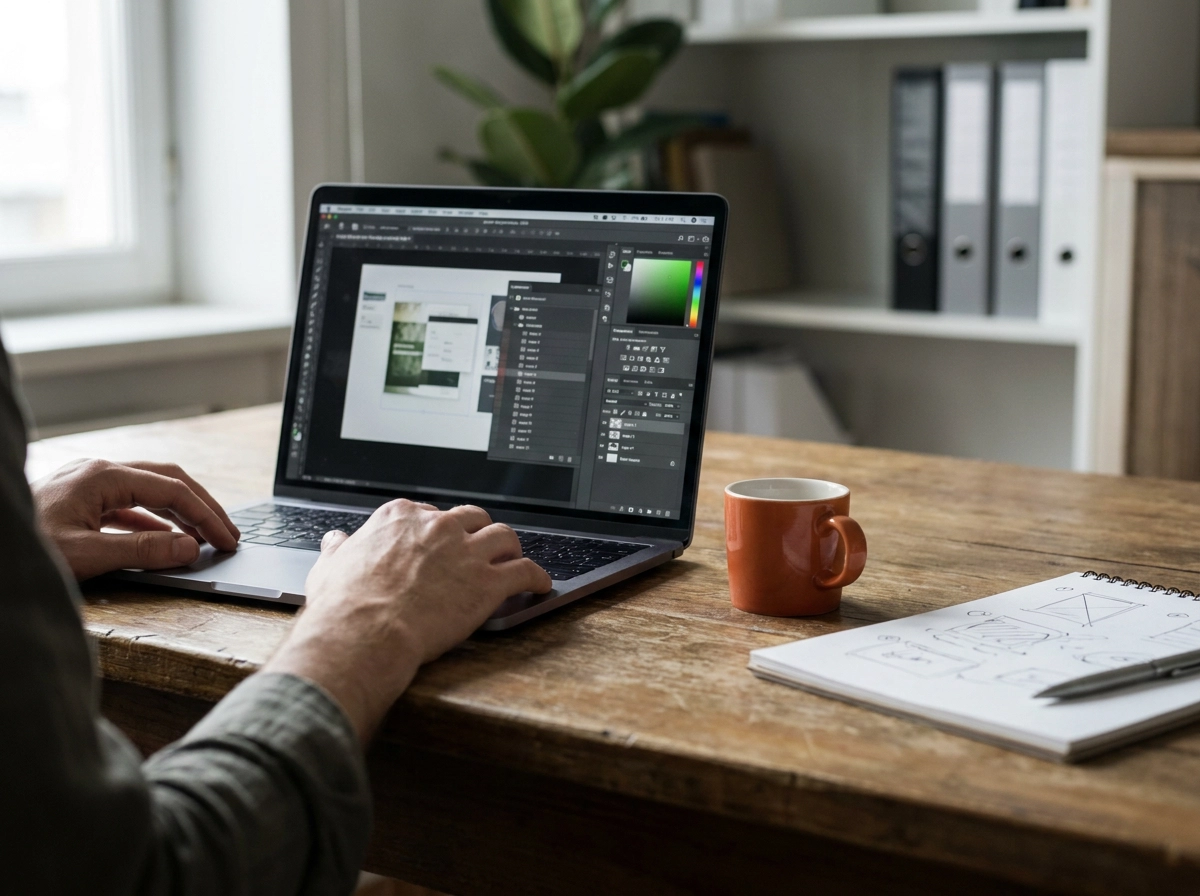
If you've ever built a mockup by hand, you know the drill: hunt down a template, open it in Photoshop, wrestle with layers, export the file, then repeat for every product variation. That process routinely eats two to three hours per design, before multiplying across an entire catalogue.
Many print-on-demand sellers skip it entirely and list products with plain flat design files instead. That shortcut costs them. Lifestyle mockups consistently outperform flat files on click-through and conversion rates on platforms like Etsy and Redbubble, where the first image is often the only reason a shopper stops scrolling.
Hiring a photographer or freelance designer is hard to justify when you're testing a design with no proven demand yet.
The market pressure is real. The AI image generation market is projected to reach $2.59 billion by 2035, growing at 18.0% CAGR, driven largely by e-commerce sellers who need faster visual pipelines.
For solo entrepreneurs and small POD businesses, the biggest bottleneck isn't the design itself. It's the gap between a finished design file and store-ready visuals. That's exactly the problem Mocksy is built to solve.
What You Need Before You Start
The good news? Getting started takes almost nothing.
You need:
A design file in PNG or JPG format. No vector files, no specialized software, no Photoshop required.
A free Mocksy account. Sign up in under a minute with no credit card needed during the trial period.
Zero design or photography experience. Mocksy's AI handles placement, lighting, and styling automatically.
Optionally, a product type in mind (t-shirt, mug, tote, phone case, or poster) so you can jump straight to the right mockup category.
That's genuinely it. If you have a design file sitting on your desktop right now, you're already ready to generate your first five mockups.
How to Generate 5 Professional Mockups in One Click
Once your account is ready and your design file is in hand, here is the whole process:
Upload your design. Drag and drop your PNG or JPG directly into Mocksy. The upload completes in seconds.
Choose your product and styles. Select your product category (t-shirt, mug, tote, and so on), then pick five mockup styles. Mix flat lays, lifestyle settings, and close-up detail shots to cover every angle shoppers care about.
Hit generate. Mocksy's AI renders all five mockups at the same time in a single action. No waiting through five separate exports. Watch how fast the process runs before you even start your trial.
Review in your dashboard. All five mockups appear together instantly. Compare backgrounds, angles, and styling side by side before downloading anything.
Download and publish. Save files individually or as a batch, then upload directly to your store, marketplace, or next marketing campaign without touching an editing tool.
Why Authentic Color Rendering Matters for Your Store
Getting your mockups generated is only half the equation. The other half is making sure what customers see matches what they receive.
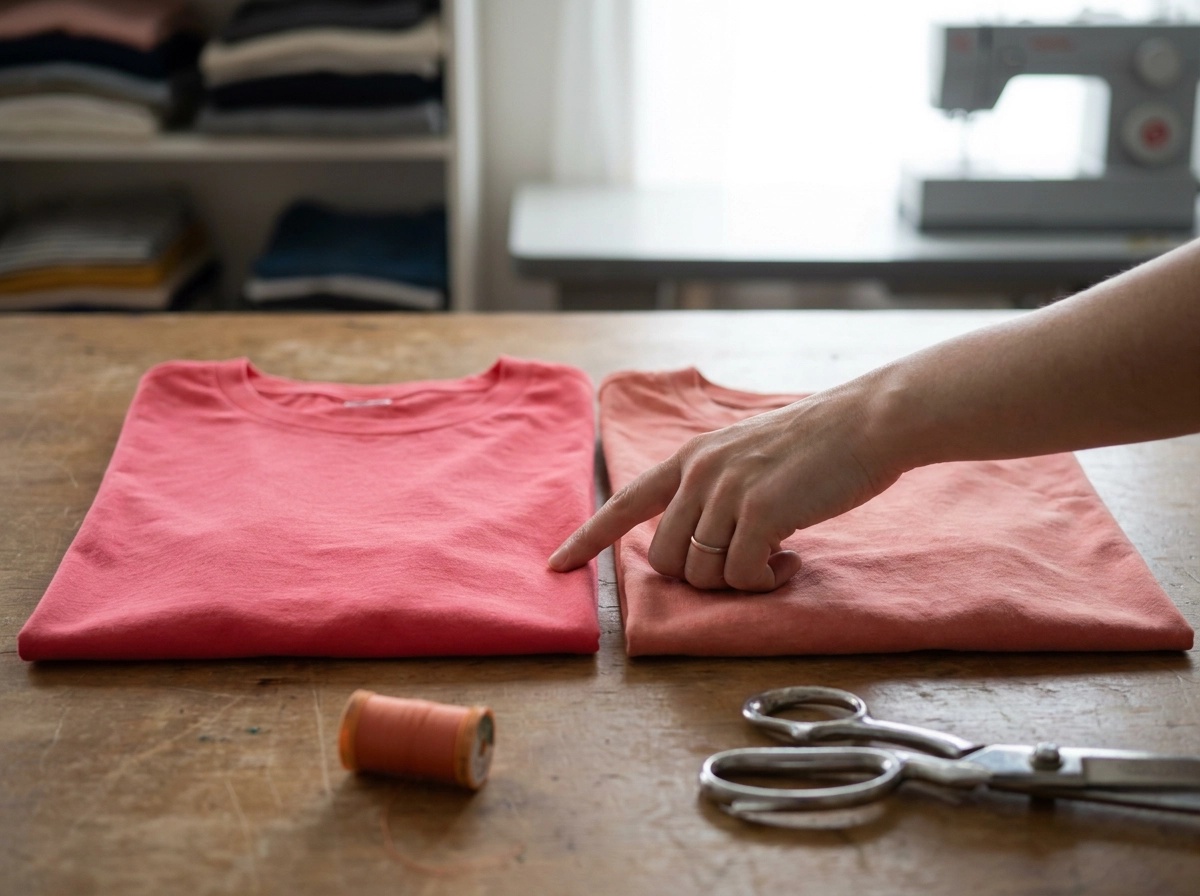
Colour accuracy is one of the most consistent pain points for print-on-demand sellers. When the coral pink in your mockup prints as a washed-out salmon, customers feel misled. That gap between expectation and reality drives return requests and negative reviews, both of which hurt your store's standing on any marketplace.
Mocksy renders colours directly from your original design file, so the red in your mockup is the same red on the finished product. No unexpected shifts, no guessing.
That consistency also carries across all five generated mockups at once. Your flat lay, lifestyle shot, and detail image all show the same colour, so your product listing looks polished and cohesive rather than mismatched.
For sellers running ads, this matters beyond aesthetics. When the product in your creative matches the product in your store exactly, your ad relevance stays strong, which keeps click costs lower and performance steadier.
Tips for Getting the Best Results From Your Mockups
Once your colours are dialled in, a few small habits will make every mockup session more effective.
Always upload a PNG with a transparent background. A white background creates a visible box around your design on dark-coloured products, which looks unprofessional in your listings.
Spread your five slots across different styles. One flat lay, one lifestyle scene, and one close-up detail shot together cover the main angles shoppers use to make a buying decision.
Test before you spend. If you are trying a new design, generate mockups first. Seeing it on an actual product surface often catches sizing or placement problems before you order inventory or run ads.
Batch your uploads. Load several designs in one sitting rather than returning one at a time. Your workflow stays efficient as your catalogue grows.
Reuse the same five images everywhere. Your Etsy listing, Instagram post, and email campaign can all use the same downloaded mockups without any resizing.
Start Your Free Trial and See the Results for Yourself
Now that your mockup strategy is dialled in, the only thing left is to try it yourself.
Mocksy's free trial gives you full access to the one-click generation feature, so you can run your own designs through the actual workflow before choosing a paid plan. No credit card required, no design experience needed. If you have a design file ready right now, you can have five professional mockups in the next five minutes.
General-purpose tools are not built for POD sellers and e-commerce entrepreneurs. Mocksy is built for exactly that use case, nothing else.
Sellers who switch to an automated workflow consistently reclaim hours every week, time that goes toward new designs, marketing, or simply not spending an evening wrestling with templates.
Start your free trial and see what one click actually produces.
The Faster Path From Design to Store-Ready Visual
The process really does come down to three actions: upload your design, click generate, get five polished mockups ready for every sales channel. That's the whole workflow.
Authentic colour rendering ties it together. When your mockup shows the exact red or navy your customer receives, you build trust before the sale and reduce disappointment after it.
If you've ever lost an afternoon to Photoshop templates, this is the direct fix. No layers, no exporting, no repeating the same steps for every variation.
The free trial makes the decision easy. Start with one design, run the process yourself, and judge it on the output. No credit card, no commitment, just real results from your actual artwork.
Here's your next step: sign up for the free trial, upload your best-selling design, and generate your first five mockups today. The gap between a great design and a store-ready listing just got a lot smaller.
Conclusion
Creating professional mockups no longer has to cost you hours of frustrating template work. With one click, you can generate five store-ready visuals that accurately represent your designs, build customer trust, and get your listings live faster than ever before.
Here are the key takeaways to remember:
Automated mockup generation replaces slow, manual Photoshop workflows
Authentic color rendering reduces returns and builds buyer confidence
Five polished mockups per design means every sales channel gets covered instantly
The free trial requires no credit card and delivers real results from your actual artwork
The gap between a finished design and a profitable listing is now measured in minutes, not hours. Upload your best design, generate your first five mockups, and experience the difference yourself. Your next great listing is one click away.