
How Canadian Shopify Sellers Can Cut Product Photography Costs with AI Mockups
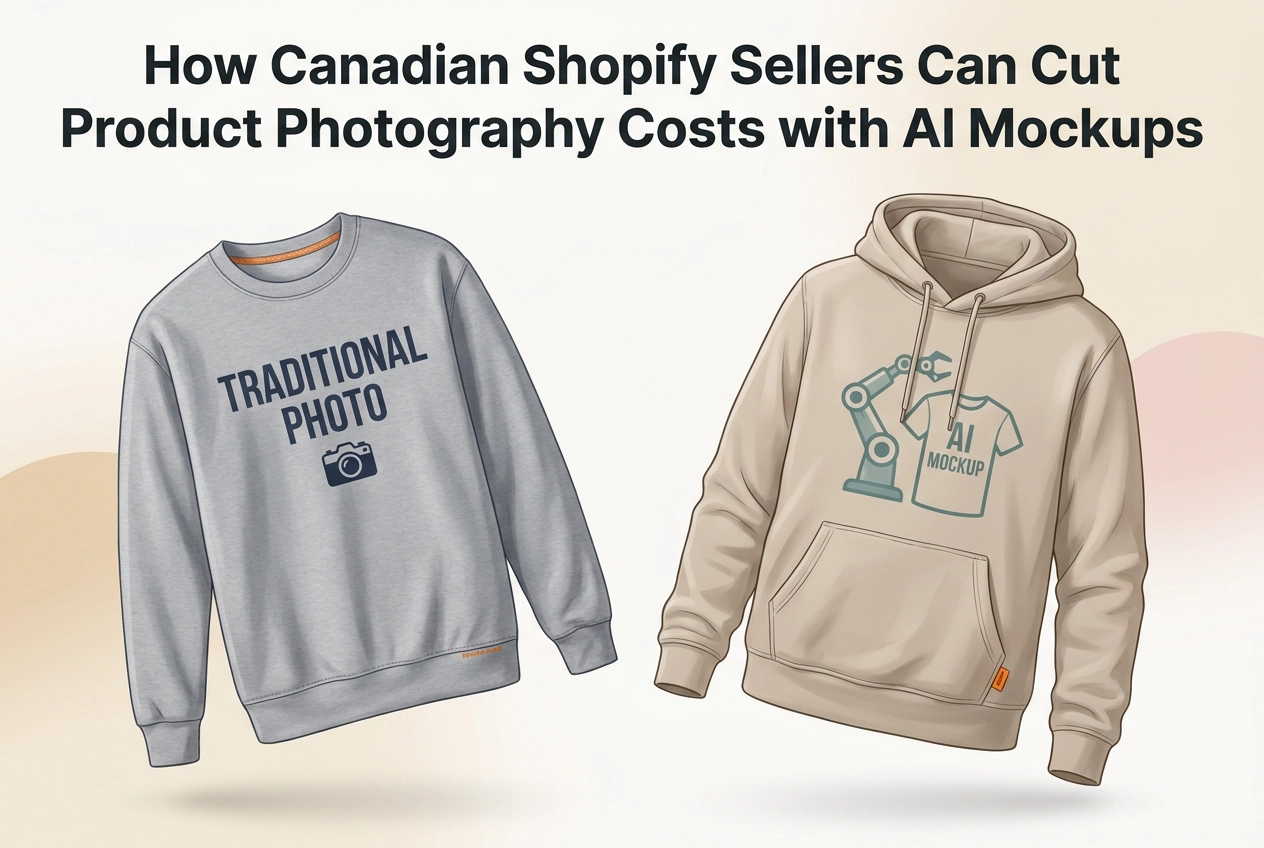
Running a Shopify store in Canada means making constant decisions about where to spend and where to cut. Product photography sits near the top of that list, and for good reason: it directly affects whether a buyer trusts your listing enough to convert. But traditional studio shoots can run anywhere from a few hundred to several thousand dollars per session, with turnaround times that slow your entire launch calendar.
AI mockup generation has changed that equation in a meaningful way, particularly for sellers operating in the shopify print on demand space where visualizing dozens of size, color, and material variants through traditional photography is simply not practical.
This post walks you through a concrete cost comparison between traditional product photography and AI mockup workflows, covering real price ranges for Canadian sellers, the hidden workflow friction that never shows up on an invoice, and an honest look at whether listing quality holds up when you make the switch. By the end, you will have a clear framework for deciding which approach fits your catalog, your budget, and your production timeline.
What Product Photography Actually Costs Canadian Shopify Sellers
For Canadian Shopify sellers, product photography is rarely a single line item. It is a tiered cost structure that scales uncomfortably with catalog size, and understanding where your spend lands on that spectrum is the first step to making a smarter workflow decision.
Flat lay and mannequin photography sits at the entry level, typically running $10–$30 per product. The per-unit cost looks manageable in isolation, but a 50-product apparel catalog at that rate puts you between $500 and $1,500 before post-production. That adds up faster than most sellers budget for.
Studio model shoots represent a significant jump. With professional models and post-production editing factored in, expect to pay $100–$500+ per product. At that rate, a 20-SKU catalog can run $2,000–$10,000. For sellers still validating demand, committing that capital before a single unit ships is a genuine business risk. Weak product images carry their own cost, as poor product visuals quietly erode buyer confidence and conversion rates long before a seller notices the drop.
Lifestyle and on-location campaigns sit at the top of the range at $500–$2,000+ per shoot, and are realistically reserved for funded brands or proven hero products. Across a 100-product catalog, total costs vary widely depending on shoot type, potentially reaching several thousand dollars or more.
Two additional cost pressures rarely appear on any invoice. First, batch economics: studio rates become favourable only when you bring 50 or more items to a session, a threshold most small sellers cannot consistently hit. Second, scheduling dependency: photographer and model availability routinely delays product launches by weeks, not days, turning a listing calendar into a waiting game.
The Hidden Workflow Costs Beyond the Invoice
The invoice tells only part of the story. Once the shutter clicks, post-production editing and retouching add a 3 to 7 day minimum turnaround before a single image is ready to upload, stalling listings that could already be generating revenue.
That bottleneck compounds every time your catalogue grows. Each new colorway or size variant typically requires a separate shoot or substantial reshoots, a particular problem for POD sellers managing dozens of variants.
Seasonal campaigns and promotional refreshes make it worse. Every branding update, holiday promotion, or product relaunch restarts the full cycle: rebriefing, rescheduling, reshooting, re-editing. The clock resets completely, regardless of how recently you last paid for photography.
There is also a coordination tax that rarely appears on any invoice. Briefing photographers, sourcing models, and booking studio time consumes founder hours that compound across a growing catalogue. These are hours not spent on marketing, customer acquisition, or product development.
If this gap between design-ready and listing-ready feels familiar, understanding how to generate professional mockups in one click shows exactly what a faster path looks like.
How AI Mockup Generation Works as a Workflow Alternative
AI mockup tools remove every friction point described above by collapsing the entire production chain into a single step. Upload a flat design file, click once, and the output is a polished, styled product visual ready for your Shopify listing. No photographer to schedule, no studio to book, no post-production queue to wait on.
The turnaround shift alone changes how sellers operate. A full set of listing images for a new design can be ready in minutes, often before the product listing itself is drafted. That speed means faster launches, faster market feedback, and no more photography timelines dictating when a product goes live.
Iteration is equally transformed. Switching a hoodie colourway, testing a different garment style, or refreshing a presentation takes seconds and costs nothing extra. Every change that would have triggered a reshoot under traditional workflows is now a free, instant adjustment.
For apparel sellers specifically, tools like Mocksy demonstrate how one-click creation genuinely changes the economics for e-commerce sellers. Mocksy supports t-shirts, sweatshirts, hoodies, and tank tops across a wide range of garment styles and colour options. A seller can visualise one graphic across every available colour in a single session rather than across multiple shoots.
Scaling works the same way regardless of catalog size. A 10-product launch and a 100-SKU expansion use an identical workflow, with no volume minimums and no per-image cost increases. Traditional photography rewards batch size; AI mockup generation is indifferent to it.
Sellers can try Mocksy with no upfront commitment to evaluate output quality before purchasing.
Side-by-Side Cost Model: Traditional Photography vs. AI Mockups
The workflow advantages are clear. Here is what they translate to in dollars.
Catalog Size | Traditional Photography | AI Mockups |
|---|---|---|
10 products | $100–$300 (flat lay) + 3–7 day lag | Minutes; fraction of the cost |
50 products | $5,000–$25,000 (at studio model rates) | Same workflow; no per-image increase |
100 products | Total costs vary widely depending on shoot type | Full catalog in a single working session |
At ten products, the gap is noticeable but manageable. At fifty, a studio model shoot becomes a genuine capital commitment for a small Shopify store, one that most small Shopify stores cannot absorb without deferring other priorities like paid acquisition or inventory. At one hundred SKUs, the traditional range is so wide that the shoot type chosen determines whether photography is a line item or a budget event.
Variant visualization is where the cost difference becomes hardest to ignore. Shooting one design across ten colourways traditionally means ten separate shoots, or significant reshoots with colour-corrected samples. AI tools generate all ten variants in the same session at no added cost. For Shopify print on demand sellers specifically, this removes a step that traditional workflows make unavoidable: ordering physical samples before a single listing can go live. That means extra production cost and weeks of fulfillment lead time, before the product has earned a single sale.
On pricing structure, AI mockup tools typically operate on a subscription or per-image model, with per-visual costs a fraction of studio rates, and the price does not move as your catalog grows.
Does Listing Quality Hold Up? What Buyers Actually See
Cost savings only matter if the listing images actually convert. Here is what the quality comparison looks like in practice.
Modern AI mockup tools produce clean, professionally styled visuals that meet the presentation standards Shopify buyers expect. Flat colours, sharp design placement, and neutral backgrounds are rendered consistently, and the output is indistinguishable from competent flat-lay photography at typical listing thumbnail sizes.
Consistency is where AI genuinely outperforms traditional photography. Every image in a catalog shares identical lighting, composition, and background treatment, regardless of whether it was generated today or six months from now. Replicating that uniformity across multiple studio sessions is difficult and expensive. For online store listings, visual consistency reinforces buyer confidence, reduces the cognitive friction that contributes to returns, and signals a credible, professional brand.
Unlike manual template tools, purpose-built AI generators like Mocksy produce the same output in a single click.
The honest limitation is brand emotion. Lifestyle photography with real models communicates personality and context in ways that AI mockups currently do not replicate as effectively. For premium positioning, that gap is real. For most catalog and variant listings, it is not a material barrier to conversion.
That trade-off is precisely what informs the hybrid approach covered next.
The Smart Approach: When to Use AI Mockups and When to Invest in Photography
That context-dependent authenticity point matters here: lifestyle photography earns its premium, but only once a product has proven it deserves the investment.
The most effective workflow treats AI mockups as the validation layer and traditional photography as the reward for proven performance. Launch new designs with AI-generated visuals, collect real sales data, and let buyer behaviour tell you which products have earned a studio shoot. Most sellers do this backwards, commissioning photography before a single unit has sold.
For print on demand stores specifically, pre-production photography is rarely defensible, as ordering physical samples before demand is confirmed reintroduces the cost exposure that POD is designed to eliminate.
Reserve traditional photography for your consistently top-performing designs. For those products, lifestyle imagery and model shots can genuinely lift brand perception and conversion rates. Below that threshold, AI mockups deliver professional-grade visuals at a fraction of the cost and none of the scheduling friction.
For Canadian Shopify sellers, this staged approach can significantly reduce upfront photography spend during the catalog-building phase. That freed budget is better deployed on paid acquisition and inventory once demand is confirmed, not spent on photography for designs that may never find an audience.
See how the one-click mockup workflow operates in practice before committing to any photography spend on an unvalidated design.
Why This Matters Most for Shopify Print on Demand Sellers
The staged strategy above applies with particular force to print-on-demand sellers, because POD amplifies every cost and delay that traditional photography introduces.
Start with the variant problem. A single apparel design offered across multiple sizes and colours produces a large grid of potential visual combinations before a second design is even considered. Traditional photography cannot practically cover that grid; the logistics and cost make it unworkable. AI mockup tools solve this programmatically. Mocksy's wide range of colour options means a seller can generate a complete colour grid for one design in a single session, without reordering, rescheduling, or waiting on post-production.
As noted above, skipping physical samples entirely means a listing can go live the day the design is finished.
Speed has a direct business consequence in POD. Faster listings generate faster market feedback, which informs which designs are worth scaling and which should be retired early. That feedback loop reduces the risk of investing further in underperforming concepts.
For sellers running multiple print on demand stores or marketplace channels simultaneously, consistency carries its own value, uniform lighting, composition, and styling across every listing reinforces brand credibility in the way that the consistent output described in "Does Listing Quality Hold Up?" makes possible.
Making the Switch: Practical Takeaways for Canadian Shopify Sellers
The workflow case has been made. Here is how to act on it.
Start every new design launch with AI mockups. The cost and speed advantage is sharpest during catalog-building, when photography spend has no revenue to offset it. Generate your visuals first, list fast, and let real sales data accumulate before committing a dollar to a studio.
Redirect savings toward validated shoots. When a product earns consistent revenue, that is the signal to invest in professional photography. Revenue data is a better decision-maker than instinct, and AI mockups give you the runway to collect it without a sunk cost.
Benchmark your current spend before assuming the switch is worth it. Calculate what you pay per SKU today, multiply it across your realistic catalog size, and compare that total against an AI mockup workflow. For most Canadian Shopify sellers with growing catalogs, the gap is substantial enough to build a clear internal business case.
For apparel-focused print on demand sellers, Mocksy is a low-friction place to test this workflow, the same apparel-focused tool described above. Sellers can try Mocksy with no upfront commitment to evaluate output quality before purchasing.
Finally, treat listing visuals as a recurring investment, not a one-time production cost. Seasonal refreshes, new colorways, and updated creative no longer require a full reshoot budget. AI mockups make iteration affordable enough to keep your storefront current on any timeline.
Conclusion
Canadian Shopify sellers are operating in a high-cost environment where every dollar in your margin matters. AI mockups remove one of the most stubborn overhead expenses from your workflow, letting you launch faster, test smarter, and spend only when sales data justifies it.
The core takeaway is straightforward: use AI mockups to build your catalog and validate demand, then reinvest those savings into professional photography for your proven winners. This approach protects your cash flow without sacrificing listing quality.
For print on demand sellers especially, this shift is not a compromise. It is a more rational allocation of resources.
If you are ready to see the workflow in action, start with Mocksy. No registration, no upfront cost, and real output quality you can evaluate before committing to anything. Your next product launch does not have to wait on a photography budget.