
What Is an AI Mockup Generator and Why One-Click Creation Changes Everything for Sellers
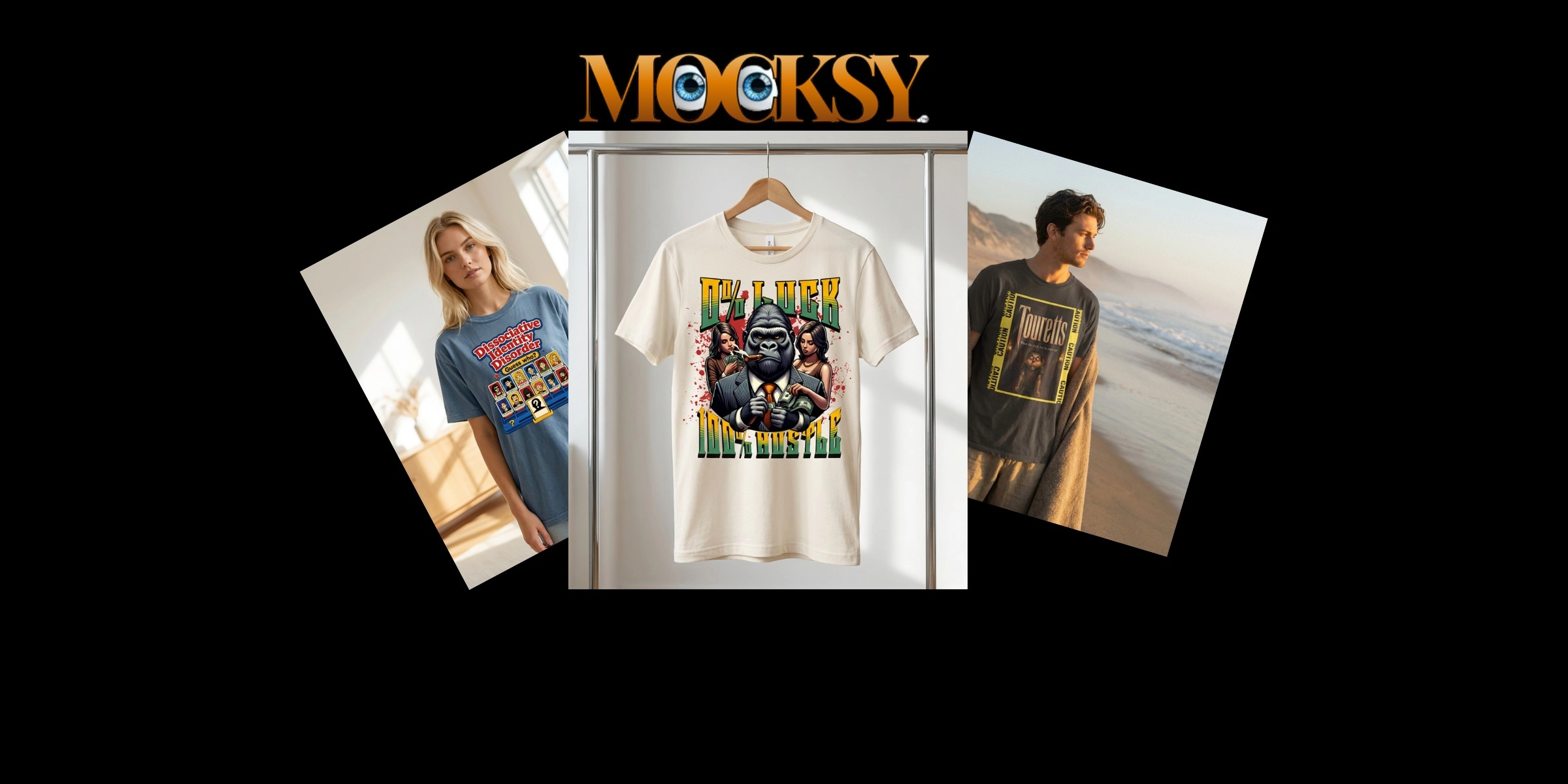
You've got a great design. Maybe you made it yourself, maybe you bought it, maybe it just came to you at 2 a.m. and you ran with it. Either way, you're now staring at a flat file on your screen wondering how to turn it into something that actually looks like a real product someone would want to buy.
That's exactly where an AI mockup generator comes in, and honestly, it changes things in a pretty big way for sellers who don't have a design background.
An AI mockup generator is a tool that takes your design and automatically places it onto realistic product images, no Photoshop skills required, no expensive photo shoots, no guesswork. The result looks professional, polished, and ready to go straight into your store.
In this post, you'll learn what these tools actually do under the hood, why your product images matter more than almost anything else in your shop, and how to plug a mockup generator into your workflow starting today. Whether you're brand new to selling or just tired of struggling with templates, this one's for you.
What an AI Mockup Generator Actually Does
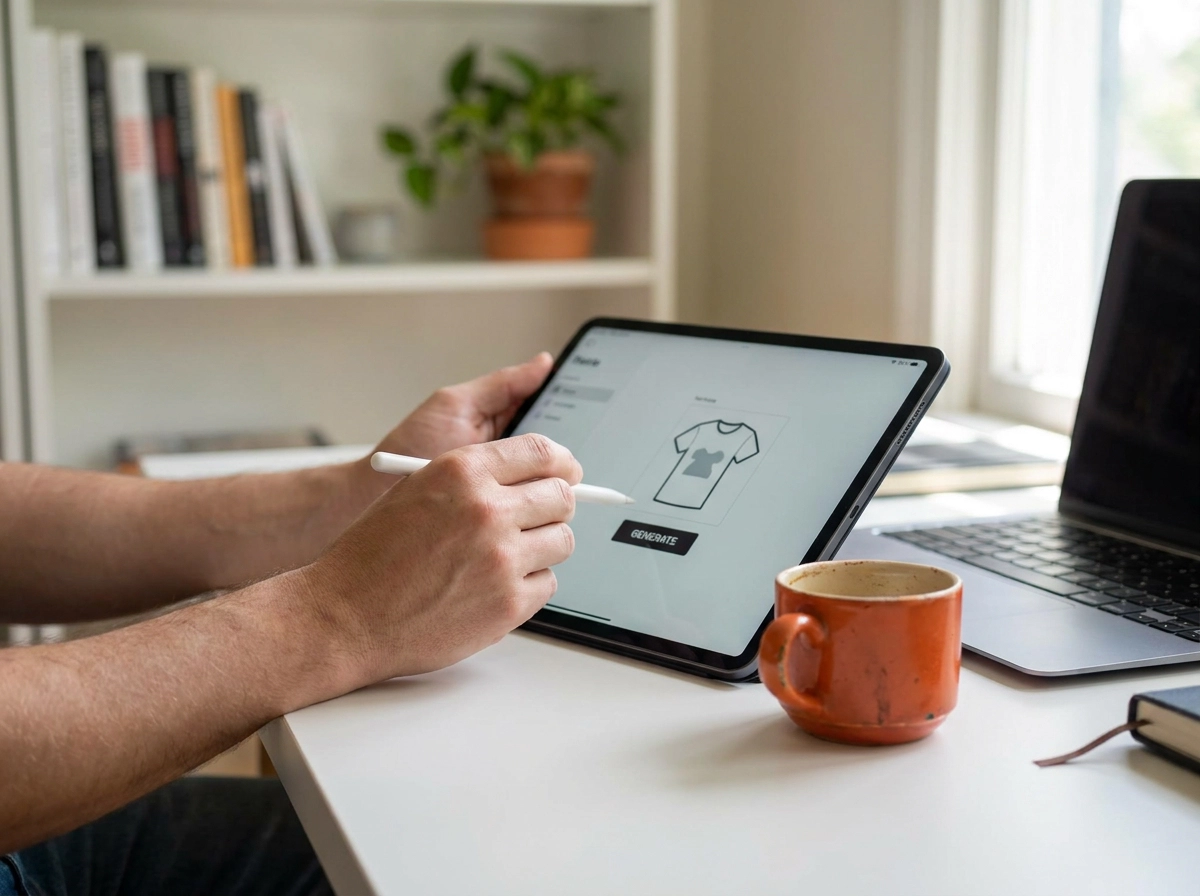
An AI mockup generator is software that combines machine learning and 3D rendering to automatically place your design onto a realistic product template, producing a sales-ready image with zero manual editing. You upload your artwork, select a product, and the tool handles everything else.
That's the key difference from older approaches. Traditional mockup workflows required design software literacy and significant manual editing. AI mockup generators remove all of that. No technical background needed, no software to learn.
Here's what actually happens under the hood when you generate a mockup: the tool reads your design file, maps it onto a 3D product surface, and automatically calculates perspective warping, lighting angles, shadow placement, and fabric or material texture. What previously required careful manual editing now happens in seconds. See how the process works step by step to get a clearer picture of the full workflow.
The "AI" part goes further than just automating the technical steps. Modern tools generate contextual scenes, render garment colours with realistic accuracy, and create unique backgrounds rather than reusing the same shared stock templates that thousands of other sellers have already used. That last point matters more than it sounds on crowded marketplaces.
The most common misconception is worth clearing up immediately: you do not need design skill to use a mockup generator. You need design taste. Design skill means knowing how to technically build something. Design taste means knowing which output looks right for your brand. If you can look at three product images and say "that one fits my store," you already have everything this tool requires.
Why Product Images Are the Most Important Factor in Purchase Decisions
Knowing what a mockup generator does is one thing. Understanding why it matters to your bottom line is what makes the investment of time worthwhile.
Research consistently shows that product images are the most important factor shoppers consider before making a purchase online. Not price. Not reviews. The image.
The reason comes down to a fundamental trust gap. When someone shops in person, they pick the product up, check the fabric, read the label. Online, none of that is possible. Your photo has to do all of that work in a fraction of a second. A weak image does not just fail to impress; it actively signals risk to the buyer.
The traditional solution is professional product photography, and it works well. It also costs thousands of dollars per month once you factor in a photographer, studio time, samples, and editing. For an early-stage Etsy seller or a print-on-demand business testing new designs, that budget simply is not realistic.
There is also a compounding performance factor at play. Better images drive stronger engagement, which feeds better visibility, which drives more sales. The quality of your product visuals is not just a first-impression issue; it shapes how often your listing gets seen at all.
This is where an AI mockup generator changes the equation. Professional-quality product visuals no longer require a studio budget or a design team. A finished design file becomes a conversion-ready listing image in minutes, making polished presentation accessible from day one, regardless of business size.
You Do Not Need Design Skills, You Need Design Taste
The most common reason sellers don't try a mockup generator? They assume it's a design tool, and design tools are for designers. That assumption is worth dropping right now.
As noted earlier, the tool handles every technical step, your role is purely creative judgment.
That judgment is simply design taste: the ability to look at three product images and say, "That one fits my brand." It's a judgment call, not a technical execution, and it's something you already make every time you choose what to post, what to stock, or what to put on your homepage. Zero Photoshop experience required.
That said, brand clarity does sharpen your results. Sellers who have a defined colour palette, a clear sense of their target customer, and a consistent visual direction will make faster, stronger creative choices. Not because they have better technical skills, but because they know what they're looking for when they see it.
How One-Click Mockup Creation Works in Practice
So you already know you have the creative eye to choose what works. Here is what actually happens when you put that taste to work inside a modern AI mockup generator.
The workflow has four steps. Upload your design file, select a product and scene, click generate, then review and download. That is genuinely the full sequence. No layers, no software, no technical decisions required from you.
Where it gets powerful is bulk generation. Instead of producing one mockup at a time, tools like Mocksy generate multiple variations from a single design file in one action, covering different products, colour options, and scene backgrounds simultaneously. Launch a new t-shirt design and walk away with a hoodie version, a tote bag version, and three lifestyle scene variations all at once.
The output formats match wherever you need images. Static JPG and PNG files are ready for marketplace listings. Video mockups work directly for social content. Multi-angle sets cover every view a product page needs. All of it comes from the same source file you uploaded.
That combination changes a seller's week in a concrete way. What previously took hours of manual editing, or a paid photographer, becomes a minutes-long task that any team member can run without training.
And because AI generates each scene uniquely rather than pulling from shared templates, the distinction from competitors we noted earlier shows up in practice here.
What AI Mockup Generators Do Not Replace
One-click generation handles the production side beautifully, but it's worth being clear about where AI mockups shine and where they don't.
For the vast majority of sellers, AI mockup generators cover exactly what's needed: print-on-demand listings, Etsy product pages, Shopify storefronts, social media graphics, and email marketing visuals. These are contexts where speed and consistent volume matter far more than studio-grade authenticity.
Real photography still has a meaningful edge in a few specific situations. High-end brand campaigns built around genuine human interaction and products where precise physical fit is central to the buying decision can still benefit from professional photography. A mockup can show your design on a hoodie beautifully; it can't replicate the way a bespoke suit drapes on a real person's shoulders.
Colour accuracy is another honest limitation worth knowing about. AI tools may render garment colours in ways that don't precisely match the actual stock colours your print-on-demand supplier carries. If a customer orders expecting a particular shade of sage green and receives something noticeably different, that's a trust problem. Look for tools that use product-specific colour databases tied to real supplier catalogues, so what buyers see is what actually gets printed.
The practical takeaway here is not "use AI mockups or don't." It's that understanding where AI mockups work and where they fall short lets you build a realistic workflow. Use mockups where they do the job well, and reserve real photography for the rare cases where authenticity is non-negotiable.
Integrating an AI Mockup Generator into Your Store Workflow from Day One
Knowing where AI mockups fit is only half the equation. The other half is making sure your tool actually lives inside your production process, not alongside it.
This is the most underrated part of choosing a mockup generator. A tool that requires you to switch contexts, manually download files, resize images, and re-upload them to your store adds enough friction that most sellers quietly stop using it within a few weeks. Integration is what separates a tool you use once from one that becomes a permanent part of how you operate.
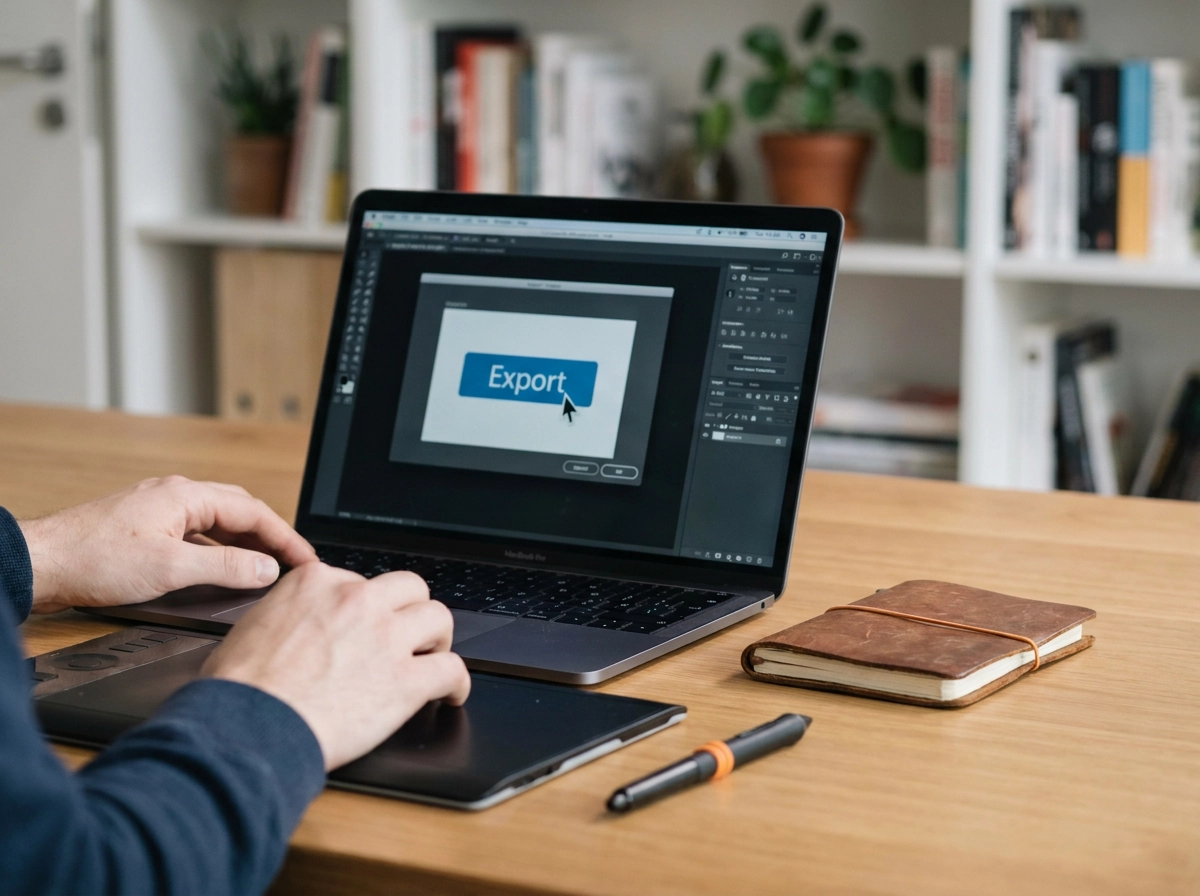
The ideal day-one setup looks like this: your design is finalised, you generate mockups in bulk, files export at the dimensions your marketplace requires, and your listing goes live, all in a single session. No jumping between apps. No manual resizing. No lost afternoon hunting for the right file.
Look for tools that export at the correct pixel dimensions for your marketplace and offer direct integrations where available, every manual upload step eliminated is time recovered.
Mocksy is a practical starting point for building this workflow. One-click generation produces multiple professional product mockups from a single design file, so you move from finished artwork to store-ready visuals without opening any design software. Getting started is quick, which means you can test the workflow with a real design today.
Before you pick any tool, run a quick audit of your current process. Count every step between "design is done" and "listing is live." Any step that involves manually editing, cropping, or resizing an image is a candidate for automation. The shorter that list, the more consistently you will actually use the tool you choose.
What to Look For When Choosing a Mockup Generator
Once your workflow is set up, picking the right tool to power it comes down to five practical criteria.
Output quality and realism. Zoom into a rendered image and check whether the shadows fall naturally, fabric textures look believable, and product proportions hold up at the sizes your marketplace actually displays. An image that looks passable at thumbnail size can look flat or off-colour when a shopper clicks through to your listing.
Bulk and batch generation. If you're regularly launching new designs, manually generating one mockup at a time will bottleneck your whole operation. Look for a tool that produces multiple product and scene variations from a single design file in one action. This is a baseline requirement, not a premium feature.
Scene uniqueness. AI-generated scenes ensure your visuals don't match every competitor's listing, a key differentiator on crowded marketplaces.
Marketplace and platform fit. Confirm the tool exports at the dimensions your channels require and minimises manual upload steps.
Ease of entry. The best mockup generator for a new seller is simply the one you'll actually use from day one. Avoid tools that require a credit card or lengthy account setup just to test the output. Mocksy is a natural starting point, you can generate professional product mockups from a single design file in one click and judge the quality before committing to a full catalogue.
The Takeaway: Mockup Generation Is Now a Workflow, Not a Skill
Once you've found the right tool, the hardest part is already behind you.
That's the real shift AI mockup generators represent. Product image creation used to sit firmly in the "hire someone or learn design software" category. Now it's a step in your listing workflow, the same as writing a product description or setting a price. Upload your design, generate your mockups, move on.
The core takeaways have been laid out: images drive decisions, taste beats technique, and the workflow is now repeatable.
The one decision left is choosing where to start. Pick a tool that fits the way you already work, drop in a single design, and see what comes out. You don't need to overhaul your process or commit to a full catalogue on day one. One design, one session, and the workflow becomes immediately clear.
If you haven't tried it yet, Mocksy is a natural first step. One click generates multiple professional product mockups from a single design file, with no setup friction. You can go from design file to download-ready visuals in your first session, which is the fastest way to understand what this workflow actually feels like in practice rather than just in theory.
The barrier is gone. The only thing left is to start.
Conclusion
AI mockup generators have fundamentally changed what it means to launch a product online. Professional visuals no longer require design skills, expensive photography, or hours of production time. One-click creation has collapsed the distance between a finished design and a store-ready listing, making polished product images accessible to every seller at any stage.
The right tool removes friction from your process without replacing the creative judgment that makes your products worth buying.
You now have everything you need to take the next step. Open Mocksy, upload a single design, and generate your first professional mockup today. The workflow speaks for itself once you experience it firsthand.