
What to Look for in an AI Mockup Generator as a Canadian Seller
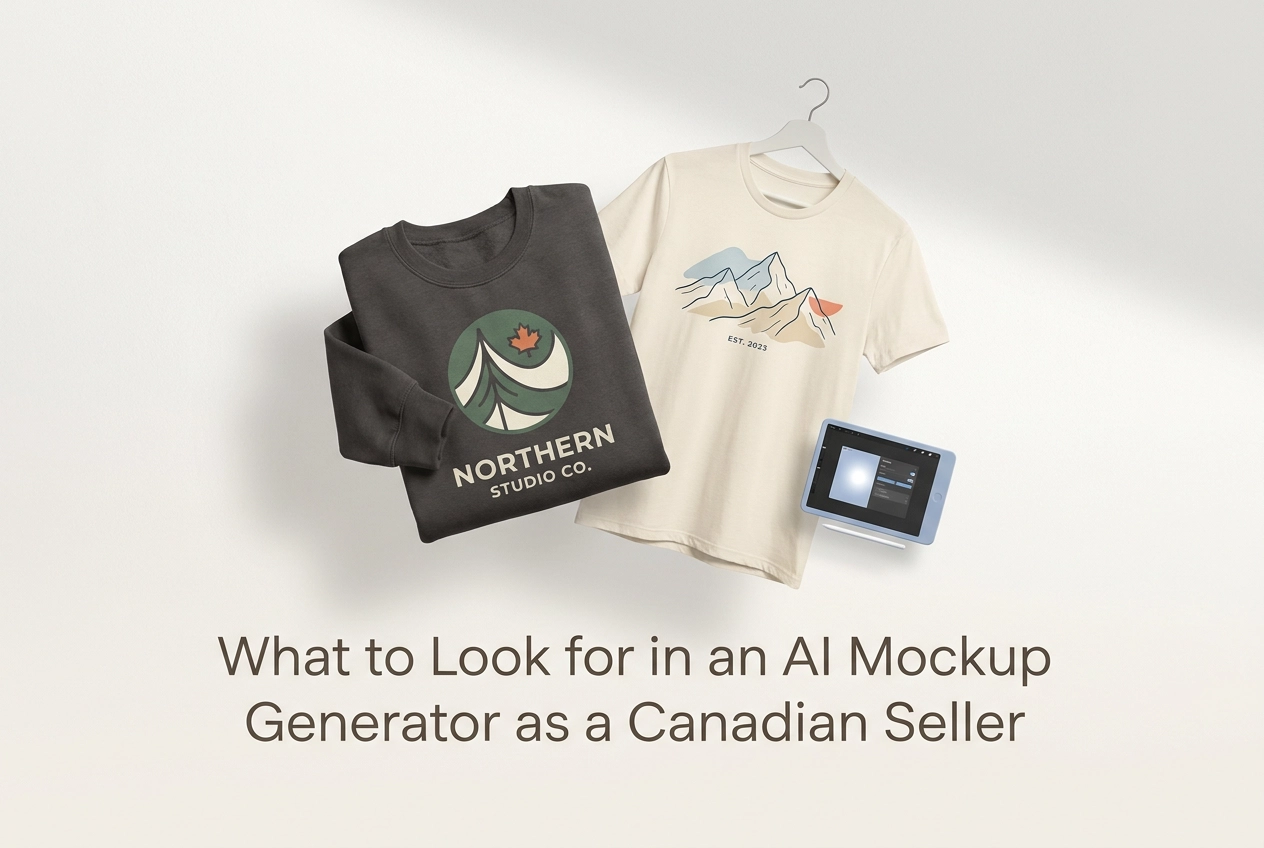
Searching for an ai mockup generator free to try before you spend a dollar is a smart starting point, but it is only the beginning of the decision. Once you move past the free tier and start comparing paid plans, integrations, and output quality, the choices get complicated fast. And if you are selling on Canadian marketplaces, generic buying guides do not help much. They are written for a broad audience that does not share your channel mix, your price sensitivity, or your specific workflow.
This guide is different. It is built around the actual conditions Canadian print-on-demand and e-commerce sellers are working with in 2025 and beyond. You will learn how to evaluate tiered pricing against what you realistically pay in Canadian dollars, which batch processing capabilities actually save you time, how deep marketplace integrations need to be to match your setup, and why garment colour accuracy can quietly kill your conversion rate. You will also get a practical checklist to run through before committing to any tool, so you stop paying for features that do not serve your business.
Why Generic Buying Guides Miss the Mark for Canadian Sellers
Most buying guides for AI mockup tools read like they were written for a nameless, placeless seller. That works if you're in Berlin or Brisbane. It's less useful when you're running a Canadian POD business with a specific channel mix, currency conversion reality, and tax obligations that shape even a basic subscription decision.
A few things make the Canadian context genuinely different:
Your marketplace mix matters. Etsy.ca, Shopify, and Amazon.ca each have distinct image requirements and listing norms. A guide treating "marketplace integration" as one generic checkbox rarely addresses those differences.
USD pricing hits differently here. A $19/month USD subscription isn't $19 CAD. After currency conversion and payment processor fees, the real cost climbs, affecting which pricing tier actually fits your budget.
GST and HST thresholds add a layer. How you account for software subscriptions as business expenses depends on where you sit relative to registration thresholds, making tier decisions more nuanced than the pricing page implies.
Most Canadian sellers are solo operators or small POD shops. Features designed for agencies or enterprise teams go unused, and unused features still cost money.
This guide maps each evaluation criterion to what Canadian sellers actually encounter, so you can identify tools that fit your workflow rather than pay for ones that don't. If you want to see how a focused Pro plan compares to bloated all-in-one options, that context will matter throughout.
Tiered Pricing: What It Actually Costs in Canada
Pricing for AI mockup tools in 2026 runs from roughly US$7 to US$68 per month. Convert to CAD at current exchange rates and add a typical foreign transaction fee, and every tier costs meaningfully more than the USD price suggests, build that variance in as a line item, not a fixed figure. Most tools bill in USD with no CAD option, so your actual monthly cost shifts with the exchange rate. Build that in as a variable line item, not a fixed one.
Freemium tiers are worth taking seriously before you commit to any paid plan. The best free mockup generator options let you test output quality on your own designs without creating an account. Mocksy offers a free entry point, no registration required, so you can validate whether results are listing-ready before entering a billing relationship.
Once you move to paid tiers, pay close attention to the billing model:
Credit-based plans charge per mockup generated. For high-volume POD sellers running seasonal drops across multiple colourways, credits disappear faster than the pricing page suggests.
Unlimited flat-rate plans are generally better value for sellers producing consistent volume month over month.
Also check what the free plan actually delivers. A free plan that exports watermarked or low-resolution files is not a functional free mockup generator for live listings. If you cannot use the output directly on Etsy or your Shopify store, the tier has no practical value. Poor product images quietly drain sales on Etsy and Amazon in ways sellers often underestimate.
Finally, ask whether annual billing discounts are available, and whether locking in annually makes sense if your product line shrinks between peak seasons.

Batch Processing: The Feature That Pays for Itself
Once you have pricing dialled in, batch processing is the next thing worth scrutinising closely, because it is where time savings either compound or disappear.
Batch processing means generating mockups for multiple colourways, garment styles, or design variants in a single workflow, rather than repeating the same upload-position-export sequence manually for each one. For a Canadian Etsy seller launching a hoodie across 10 colour options, that difference can be the gap between an hour of repetitive work and a few minutes of actual productivity. Multiply that across every seasonal drop and new design, and the time recovered adds up fast.
What to actually check when evaluating batch capability:
The per-batch file limit on the specific plan you are considering. Some tools advertise batch processing but cap exports at 5 or 10 files on lower tiers. The feature existing and the feature being useful at your volume are two different things.
Output consistency across the batch. A true batch workflow locks positioning, lighting, and shadow uniformly across every export. If each file needs manual alignment corrections after the fact, you have not saved time, you have just shifted where the work happens.
Whether the garment range actually matches what you sell. Paying for a platform with hundreds of product categories makes no sense if you sell t-shirts, hoodies, sweatshirts, and tank tops. Focused coverage of the garments you actually list beats breadth you will never touch.
Mocksy is built around exactly this logic. Upload your design once and generate multiple professional mockups in one click, instantly, without repeating steps per variant. No redundant steps, no inconsistent outputs between colourways.
Marketplace Integration Depth: Matching Your Actual Channel Mix
Fast batch exports only deliver full value when files land in the right format for each platform. That last step is where many sellers lose the time they just saved.
Canadian POD sellers most commonly list on Etsy, Shopify, and Amazon.ca, and each platform has its own image standards. Etsy requires listing photos of at least 2000 × 2000 pixels for full-quality display, while Shopify and Amazon.ca have their own dimension and aspect ratio preferences. A generic high-resolution download does not automatically meet those specs.
Deep integration means the tool does that formatting work for you. Look for export presets already sized for your target marketplace, not a one-size download you have to process afterward. If you sell across more than one marketplace, prioritise tools that export to multiple format presets in the same session rather than requiring re-exports per channel.
Image quality matters as much as dimensions. Etsy listings perform best with clean, well-lit mockups showing accurate garment texture and colour. A flat, oversaturated render undermines conversion regardless of production speed. If you want to understand how AI mockup generators turn design files into professional product images, rendering quality is core to what separates useful tools from ones that just look fast on paper.
For Shopify sellers, multi-angle output in a single session is worth prioritising. Product pages with more than one image consistently outperform single-image listings.
Also check whether the tool connects to your store via API or requires manual download and upload. For catalogues with many SKUs, a manual workflow quietly cancels out the efficiency gains from batch processing.
Garment Colour Accuracy: Why It Matters More Than You Think
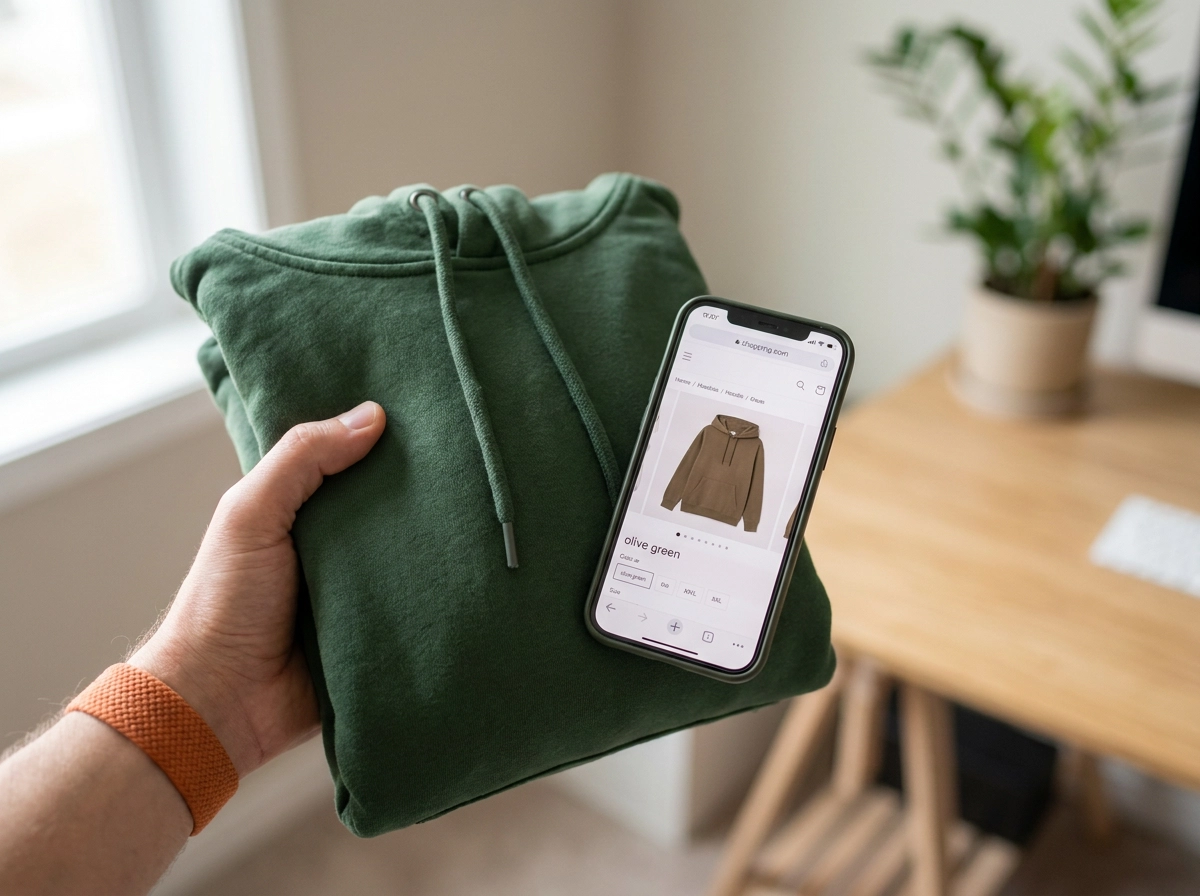
Colour accuracy is one of the most consistently underweighted criteria when Canadian apparel sellers evaluate mockup tools. For apparel sellers, it has a direct impact on customer satisfaction. A buyer who selects what looks like olive on your listing and receives a forest green hoodie is not a happy customer. That gap between screen and reality drives returns, negative reviews, and lost repeat business.
A strong AI mockup generator should render garment colours that reflect how real fabric actually behaves. Heavier fleece and lightweight jersey absorb and reflect light differently, and a quality tool accounts for that rather than applying a flat digital swatch over a generic garment shape.
Colour naming matters more than most sellers expect. "Grey" is not a product description. The difference between ash grey and heather grey is meaningful to someone buying a gift, and vague labels create uncertainty that kills conversions. Look for a clearly labelled colour library, not a palette of generic hex codes.
Mocksy covers a wide range of garment colours across its supported models, t-shirts, hoodies, sweatshirts, and tank tops, so you can represent your actual POD catalogue accurately, without approximating shades your supplier actually stocks. You can see how it works before committing to anything.
Seasonal relevance also matters for Canadian sellers specifically. Deep burgundies and earthy khakis perform differently than spring pastels, and your mockup tool needs to support those palette shifts throughout the year.
Before committing to any tool, test its colour rendering against your print supplier's actual colour codes. If the mockup shows a shade your printer does not carry, you have a fulfilment mismatch waiting to happen.

Ease of Use and the Real Cost of a Steep Learning Curve
Colour accuracy and interface quality are two sides of the same coin. A tool that renders colours beautifully but takes 45 minutes to learn costs you something just as real as a bad render.
Unused features are not neutral. A subscription loaded with capabilities you cannot navigate efficiently actively slows you down, adding friction to every session instead of removing it. For solo Canadian sellers juggling design, fulfilment, customer service, and marketing, that friction is a genuine business cost, not a minor inconvenience.
The best mockup AI tools require zero Photoshop experience. Your time advantage comes from uploading a design file and getting finished visuals back in seconds. If a tool asks you to configure render settings, adjust lighting parameters, or navigate a multi-panel editor before you see a single output, the time savings on paper disappear in practice.
A few things worth checking before you commit:
Clicks to completion. Count how many steps sit between uploading your design and downloading a finished mockup. Complexity compounds across every colour variant and garment style in your catalogue.
File format guidance upfront. Some tools only tell you your PNG is the wrong resolution after you have already spent time uploading it. Look for clear format and resolution requirements on the upload screen, not buried in a help article.
Low-friction testing. A free mockup generator with no registration required lets you validate whether an interface genuinely fits your workflow before you enter a billing relationship.
If a tool feels clunky on the free tier, it will feel clunky at $40 a month.
Output Quality and Photorealism: What Converts on Canadian Marketplaces
Even a tool that's dead simple to use won't convert if the mockups it produces look flat or unconvincing. Output quality is where ease of use hands off to actual sales performance.
Photorealistic mockups help buyers visualise a garment as something they'd actually wear, not a design floating on a white rectangle. That distinction matters on Etsy and Shopify, where buyers are scrolling past dozens of competing listings and making snap judgements about quality.
A few specific rendering qualities separate professional-grade output from mediocre results:
Fabric texture that looks woven or knit, not painted on
Natural shadow and light interaction that gives the garment depth
Realistic drape that shows how the fabric falls on a body
These details signal craftsmanship to buyers evaluating multiple listings at once, even if they couldn't articulate why one listing looks better than another.
Multi-angle visualisation has become a strong differentiator on both platforms; buyers scrolling competitive categories increasingly expect more than a single front-facing shot.
Colour consistency across the full catalogue, already discussed above, compounds this further.
Video mockups are gaining traction as a differentiator, but weigh the production time honestly before prioritising that feature over strong static output.
For Canadian sellers, this becomes especially critical around Black Friday, Christmas, and Valentine's Day. Accurate colour and texture rendering during peak gift-buying seasons is a direct conversion lever; buyers purchasing gifts for someone else rely heavily on how realistic the listing looks.
Feature Audit: Stop Paying for What You Do Not Use
Before committing to any paid tier, write down the three to five features you will genuinely use every week. For apparel POD sellers, that short list typically centres on batch processing, colour variants, and clean direct exports, the same criteria covered in earlier sections.
That clarity matters because the market is full of broad platforms built for packaging design, furniture visualisation, and print advertising. Those tools are not bad; they are simply built for someone else. If you sell t-shirts, hoodies, sweatshirts, and tank tops, you will never touch most of what a broad platform charges you to access. A focused tool with deep coverage of those four garment types will outperform a sprawling one every time.
Check in on your subscription every quarter. If you upgraded to a higher tier for features you are no longer using, downgrade or switch. There are solid free mockup generator options at the entry level, so there is no reason to carry the cost of unused functionality.
When evaluating any tool, the free plan should do real work, not just generate watermarked previews. The paid upgrade should offer something concrete: more batch exports, higher resolution outputs, or a wider colour range. Gaining access to template categories you will never open is not an upgrade. It is just a higher invoice.
A Practical Checklist Before You Commit to a Tool
Before you subscribe to anything, run every tool you evaluate against the same five questions:
Does the pricing make sense in CAD, and does the tier match your actual monthly volume?
Does the batch processing limit fit how many variants you launch per drop?
Does it integrate with your specific channels, whether that's Etsy, Shopify, or Amazon.ca?
Does the colour library accurately represent the garments in your catalogue?
Can you get from design upload to finished mockup without a learning curve eating your time?
If a tool can't answer all five cleanly, it is not the right fit regardless of how impressive the feature list looks.
Test with your own designs before committing, Mocksy's free entry point requires no registration.
The right AI mockup generator for a Canadian seller is not the one with the most features. It's the one whose specific features match the channels, garments, and volume you work with daily.
Treat this decision as revenue-affecting. Accurate colour rendering, fast batch exports, and marketplace-ready formats directly influence listing conversion and customer satisfaction. Choose accordingly.
Conclusion
Choosing the right AI mockup generator as a Canadian seller comes down to four things: pricing that holds up in CAD, batch processing that matches your launch volume, marketplace integration that fits your actual channels, and colour accuracy that reflects your real catalogue.
Generic tools built for a global audience will cost you more than their subscription fee. Wasted time, mismatched integrations, and poor colour rendering all chip away at your margins and your listings' performance.
The checklist in this post exists for one reason: to help you make a decision based on your operation, not on feature counts or marketing copy.
Mocksy's free entry point is the right place to start, test it with your own artwork before spending anything.