
Why Poor Product Visuals Cost You Sales on Etsy and Amazon (And How to Fix It Fast)
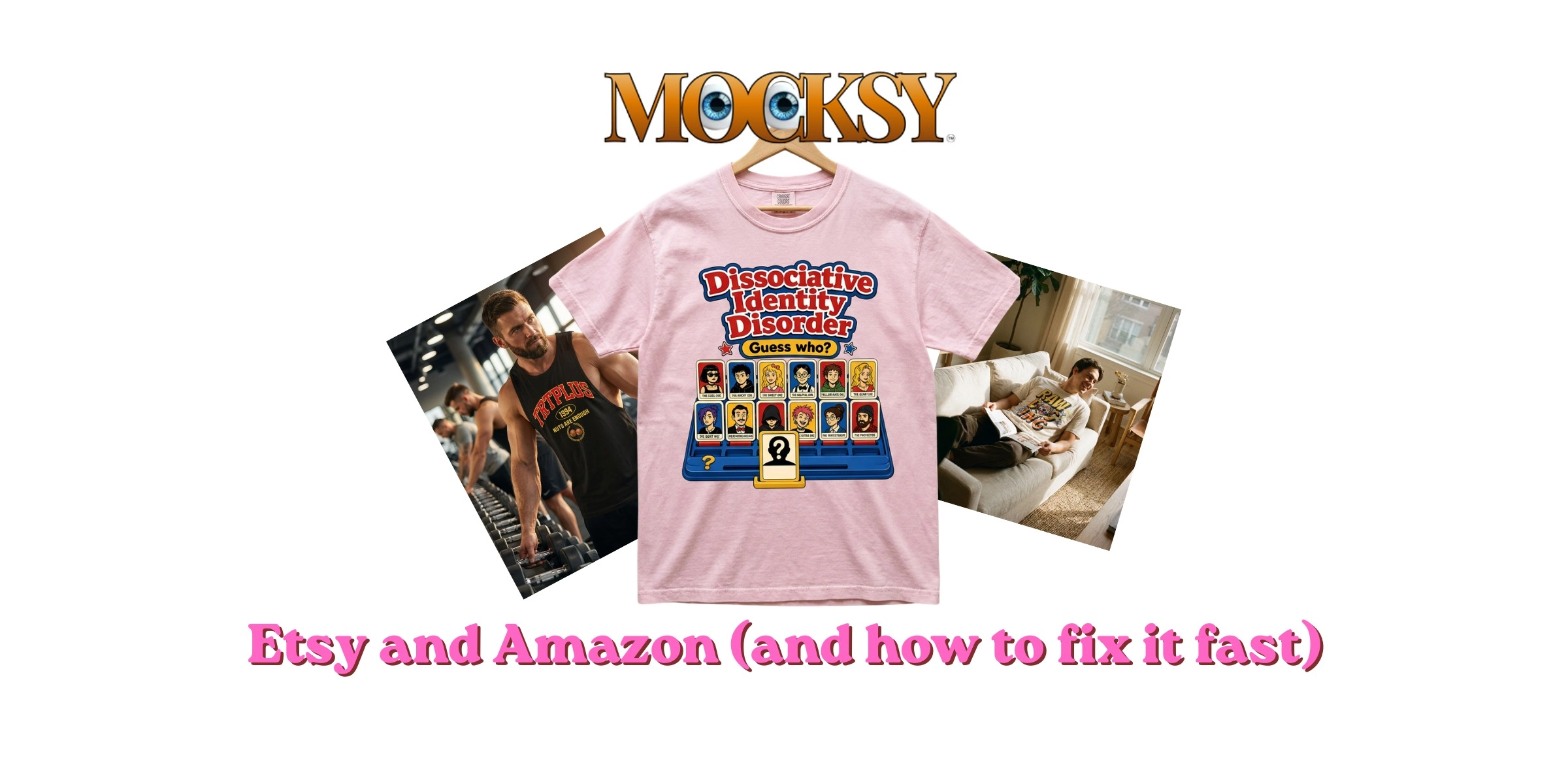
You put hours into setting up your Etsy or Amazon listing. You picked the perfect product, wrote a decent description, and hit publish. Then you waited. And waited. The sales just did not come.
Here is something most new sellers discover the hard way: buyers form their first impression from your images before they read a single word. If your visuals look amateur or unclear, shoppers scroll straight past you, no matter how good your actual product is.
This is a challenge that hits print on demand UK sellers especially hard. You are not holding physical stock, so arranging a professional photo shoot feels complicated, expensive, and honestly a bit unnecessary when you are just starting out. But weak imagery quietly drains your conversions every single day.
The good news is that there is a practical fix, and it does not require a camera, a studio, or a big budget. In this guide, you will learn exactly why visuals matter so much on marketplaces, how the algorithms and buyers both respond to image quality, and how AI mockup tools can help you close the gap fast, even as a complete beginner.
The Visual Problem That Is Quietly Killing Your Conversions
You've done the hard part. Your design is strong, your listing is live, and you're getting traffic. But the sales aren't coming.
This is one of the most frustrating positions a seller can be in, and poor product visuals are often the quiet reason behind it.
Before a buyer reads your title, checks your price, or scans your reviews, they look at your image. On a search results page packed with competing listings, that thumbnail is your entire first impression. If it doesn't stop the scroll, nothing else gets a chance.
Image quality is the first competitive battleground in any marketplace, and it plays out before price or copy ever enter the picture. A buyer comparing ten similar products will gravitate toward the listing that looks most credible, most professional, and most like something they'd trust enough to buy. Weak visuals lose that comparison instantly.
This is a particularly common problem for UK print on demand and Etsy print on demand sellers who move fast to get listings live. The design is ready, the product is set up, but there's no photography plan. A flat design export or a low-resolution image gets used as a placeholder, and it quietly costs sales every day it stays there.
The issue has two distinct dimensions, and both work against you. First, marketplace algorithms respond to how your listing performs, and weak images reduce the clicks and conversions that determine your visibility. Second, buyers make trust decisions in seconds, and a poor image raises doubts before a single word of your listing has been read.
Both problems are fixable. The sections ahead explain exactly how.

How Marketplace Algorithms Respond to Image Quality
Both Amazon and Etsy publish clear image standards, and falling short of them has real consequences for your listing's visibility.
Amazon publishes detailed product image requirements in Seller Central, including minimum pixel dimensions that activate the zoom function buyers rely on before purchasing. Listings that fall short of Amazon's image standards risk reduced visibility in search results. You can review the full Amazon product image requirements directly in Seller Central.
Etsy recommends images of at least 2,000 pixels on the shortest side for crisp, full-screen display. Crucially, your first image is your thumbnail in search results, so it carries the entire weight of your click-through rate. Etsy's search results favour listings that earn strong engagement, and your first image is the primary driver of the click-through rate that determines that engagement.
For sellers who have uploaded design files directly rather than product mockups, this gap is especially acute.
The important distinction: meeting minimum requirements is not the same as competing. The algorithm rewards listings that perform, not just listings that technically comply. Passing the threshold gets you in the game; strong visuals are what win it.
Why Buyers Do Not Trust Listings With Weak Images
Algorithms care about compliance. Buyers care about something more instinctive: trust.
When someone shops online, they cannot pick up the product, feel the fabric, or check the print quality in person. The image has to do all of that work. It carries the full sensory burden of the purchase decision, and research confirms that trust remains the central barrier to e-commerce conversion. Weak visuals do not just look unprofessional; they actively raise doubt.
A blurry photo, inconsistent lighting, or a flat design floating on a plain background quietly signals to a buyer: something might be off here. They do not always articulate why they hesitate. They just click away.
Buyers make fast visual judgements based on a few specific cues: sharpness, consistent lighting, and realistic product context. Most importantly, they want their core question answered immediately: what does this actually look like on the product? If your image does not answer that, a competitor's will.
This is especially true for print on demand products. A buyer purchasing a printed hoodie or a personalised mug is trusting that the design will look exactly as presented. They have no physical sample to reference. A realistic, well-rendered product mockup is the closest thing to holding the item in their hands.
Studies on C2C marketplace trust consistently show that visual presentation shapes perceived seller legitimacy. When a buyer is comparing two similar listings, visual quality is the fastest credibility signal available, and they will default to the listing that feels safer to buy from.
The Real Barrier: Professional Photography Is Not Built for POD Sellers
So you know the problem. Weak visuals cost you clicks and conversions. The obvious fix is professional photography. The honest reality is that for most independent POD sellers in the UK, that fix simply is not practical.

Here is why. A single professional photoshoot involves studio hire, a photographer's day rate, physical product samples (which you have to order and pay for), shipping those samples to the studio, post-production editing, and a turnaround that rarely happens overnight. Studio hire and a freelance product photographer can together run to several hundred pounds for a single session, a significant outlay before a new listing has earned a penny.
The time cost compounds everything. Ordering samples, waiting for delivery, booking a shoot, and then waiting for edited images back can push a listing's go-live date back by weeks. In a competitive marketplace, that delay has a real opportunity cost.
This is not a question of effort or commitment. It is a structural mismatch. Traditional photography workflows were built for brands with catalogues, budgets, and teams. Running a lean UK marketplace or Etsy POD business means those tools were never designed with you in mind.
How AI Mockups Close the Visual Gap Without the Cost
So what's the alternative? This is where AI-powered mockup generators come in, and they change the maths entirely.
Here's the simple version of how they work: you upload your design, and the tool automatically applies it to a photorealistic product image. No sample needed, no studio, no camera. The output is a polished, marketplace-ready visual in seconds.
AI mockups are a particularly good fit for print on demand businesses, your products don't physically exist until someone orders them, which means traditional photography isn't just expensive, it's structurally awkward. AI mockups sidestep that entirely by generating professional visuals before a single unit is ever printed.
The quality gap over DIY alternatives is also worth noting. When you manually edit a design onto a product image yourself, inconsistent lighting, misaligned textures, and flat backgrounds tend to give the game away. AI mockup tools handle all of that automatically: consistent lighting, realistic fabric or surface textures, and clean professional backgrounds that hold up at full resolution on a listing page.
The honest question most sellers ask is whether AI-generated mockups actually look good enough. The answer, with modern tools, is yes. The output is visually competitive with professional photography for standard marketplace listing purposes, good enough that buyers won't question it.
Mocksy is built specifically for this use case. Upload your design, and it generates multiple professional product mockups in one click.

How to Fix Your Listings Using AI Mockups: A Step-by-Step Guide
Here is how to put that into practice right now.
Step 1: Audit your current listings
Open each listing and ask three questions: does the main image meet the platform's minimum resolution (Etsy recommends at least 2,000px on the shortest side to enable zoom)? Does it show the product in a realistic context? And would it make you confident enough to click? If you answer no to any of those, the image needs replacing.
Step 2: Identify your priority listings
Do not try to fix everything at once. Sort your listings by traffic or sales potential and start at the top. Better visuals on your highest-visibility products will have the most immediate impact on conversions, so focus your first effort where it counts most.
Step 3: Upload your design to Mocksy
Head to Mocksy, upload your artwork, and the AI applies it across a range of product mockup templates in one click. Within seconds you have multiple professional visuals ready to review.
Step 4: Generate multiple mockups per product
Use a mix of angles, lifestyle contexts, and background styles so buyers can picture the product from every angle before purchasing. Variety here directly reduces pre-purchase uncertainty.
Step 5: Export and update your listings
Download your new mockups and swap out the old images. For Amazon, your primary image is required to meet the platform's main image standards, check the current Seller Central image guide for exact specifications including background requirements. For Etsy, remember the thumbnail crops your first image to a square, so keep the key product detail centred.
Tip: Think of your first image as the click driver and each remaining image as answering one specific buyer question, such as fit, scale, texture, or colour accuracy. That sequence does the selling for you.
What to Look for in a Product Mockup Tool as a UK Seller
Once you've updated your listings, it's worth knowing what to look for if you're evaluating mockup tools going forward. Not all options are equal, and a few key criteria separate genuinely useful tools from ones that slow you down.
Speed and simplicity come first. A good tool should need zero design experience to operate. If you're managing a broad print on demand catalogue, you can't afford to spend an hour per product. Results in seconds, not sessions, is the standard worth holding out for.
Volume output is closely related. The ability to generate multiple mockup variations from a single design upload in one action is a genuine time-saver. For sellers with wide product ranges, batch generation isn't a luxury; it's what makes scaling practical.
Realistic output quality is non-negotiable. Mockups need accurate product textures, proportional design placement, and consistent natural lighting. The test is simple: view the image at full size on a listing page and ask whether it looks like a product photo. If it doesn't hold up at that scale, buyers will notice.
Breadth of product types matters for catalogue flexibility. For print on demand companies and UK marketplace sellers, coverage across apparel, homeware, accessories, and stationery means you're not restricted to a narrow set of templates as your range grows.
Low barrier to entry rounds out the checklist. The best tools let you try before you commit. Mocksy lets you get started immediately, upload your design and see the results before committing to anything. Mocksy is built for exactly this workflow.
The Visual Gap Is Closable, and It Does Not Have to Be Expensive
Once you know what to look for in a mockup tool, the only thing left is acting on it.
The barrier has changed. It is no longer cost or technical skill standing between your listings and professional-quality visuals. It is simply knowing that the right tools exist. For UK print on demand sellers and marketplace businesses of every size, AI mockup generation has made that gap genuinely closable today.
The path forward is straightforward:
Audit your listings for images that fall below platform standards or fail to show your product convincingly
Prioritise your highest-traffic products where better visuals will deliver the fastest return
Generate professional mockups using AI, replacing weak images with polished, buyer-ready visuals
Update your listings, leading with your strongest image first
If you have not started yet, Mocksy lets you generate professional product mockups in one click. Upload your design, see the results, and upgrade your listings today. Professional visuals are no longer a budget decision. They are a one-click decision.
Conclusion
The fix is straightforward.
Audit your listings for images that fall below platform standards or fail to show your product convincingly
Prioritise your highest-traffic products where better visuals will deliver the fastest return
Generate professional mockups using AI, replacing weak images with polished, buyer-ready visuals
Update your listings, leading with your strongest image first
Your next sale could come from the same traffic you are already getting. Try Mocksy and give your listings the visuals they need to convert.