
Why UK Online Store Conversion Rates Stall and How Product Visuals Are Usually the Culprit
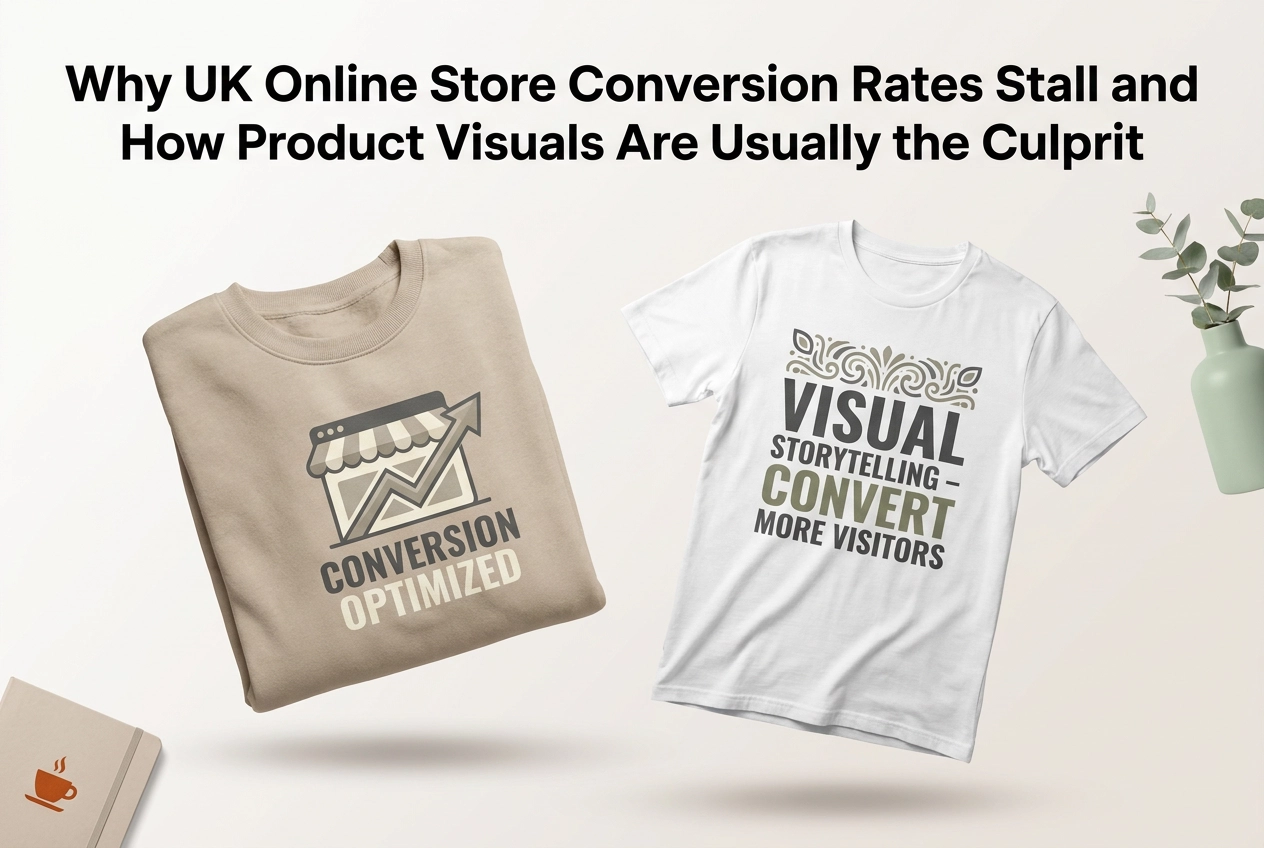
You've done everything right. You've run the ads, tightened up your SEO, and watched your traffic climb steadily. So why aren't more of those visitors actually buying?
If your UK online store has hit a frustrating plateau, the problem probably isn't where you're looking. Most conversion rate advice tells you to tweak your checkout flow or experiment with your CTAs, but there's a simpler culprit that gets overlooked almost every time: your product visuals.
Inconsistent backgrounds, too few images, no lifestyle context, and chaotic colour variant listings are silently killing your add-to-cart rates. The good news is that each of these failure modes is diagnosable and fixable, and modern mockups make it faster and more affordable than ever to sort them out.
In this post, we'll walk through the most common visual mistakes suppressing conversions on UK online stores right now. You'll get a clear diagnostic framework, real benchmarks to measure yourself against, and practical fixes you can act on today. Let's start with why your traffic numbers might be the least of your worries.
A Conversion Plateau Is Rarely a Traffic Problem
Your traffic is holding steady. Your ad spend looks fine. Your site loads quickly and there are no broken links. Yet your add-to-cart rate has barely moved in months, and purchases have flatlined. That is a conversion plateau, and it is more common among UK online store owners than most admit.

The frustrating part is that the standard advice rarely helps. Generic conversion tips, think button colours, checkout flow tweaks, and pop-up timers, are written for a broad audience. They are not written for an independent UK apparel seller or a print-on-demand business trying to stand out in a crowded marketplace. The problems are different, and so are the fixes.
The most useful mindset shift is this: stop asking how to get more visitors and start asking why the visitors you already have are not buying. Those are very different questions, and they point to very different solutions.
When you look at apparel and print-on-demand stores through that lens, one culprit surfaces repeatedly: product visuals. Not SEO. Not pricing. Not ad targeting. In many cases, the listing images are quietly undermining purchase confidence before a shopper even reaches the buy button. As explored in detail in why poor product visuals are costing marketplace sellers real revenue, weak imagery is one of the most underestimated revenue leaks in e-commerce.
The good news is that visuals are also the most fixable lever available, especially now that AI-powered mockup tools make catalogue-level improvements genuinely practical.
What Counts as a Good Conversion Rate for UK Online Stores

Before you can fix a conversion problem, you need to know whether you actually have one, and that is trickier than it sounds.
There is no single definitive UK e-commerce benchmark to measure yourself against. Rates vary considerably by sector, average order value, and traffic source. That said, most credible data points cluster in a broadly useful range: typical e-commerce conversion rates cluster between roughly 1.4% and 3%, with UK stores currently averaging around 1.85%. Top-performing Shopify stores hit 3.2% or above, and the top 10% clear 4.7%.
Those numbers shift dramatically by category, though. Beauty and pet care regularly exceed 4.5%. Apparel and fashion sit at roughly 2.78%. That gap matters. In categories where products are visually complex and emotionally driven, image quality is not a nice-to-have; it is one of the sharpest levers available.
Here is the more important point: comparing your total conversion rate to a sector average rarely tells you what to fix. A store converting at 1.5% could have excellent product pages and a leaky checkout, or a strong checkout and product listings that are quietly haemorrhaging interest. The number alone does not tell you where people are leaving.
What is more useful is asking where in the funnel the drop-off is happening, particularly at the product listing stage, where most undecided shoppers make their first decision about whether to continue.
Inconsistent Backgrounds Silently Erode Shopper Trust
So let's look at one of the most common culprits sitting right at the listing-page level: background inconsistency.
Picture a shopper browsing your catalogue. One product image uses a clean white background. The next uses a moody lifestyle setting. The one after that sits on a pale grey backdrop, and another has a coloured gradient left over from a seasonal campaign. None of these are bad images in isolation, but together they signal something shoppers pick up on instantly, even if they cannot articulate why: this store feels unfinished.

Research into e-commerce trust consistently shows that perceived professionalism is a direct driver of purchase intent. Visual inconsistency quietly undermines that perception. It is not the product people are doubting; it is the brand around it.
This problem is almost always accidental. It builds up over time as sellers grab free mockups from different sources, run a quick photoshoot for one product, and download a template for another. Print-on-demand sellers and Etsy store owners are especially exposed, precisely because sourcing product mockups across multiple generators at different times is the path of least resistance.
The fix is straightforward in principle: pick one background style and apply it consistently across every listing. The hard part has traditionally been the rework involved in going back through an existing catalogue.
That is where an AI-powered tool like Mocksy changes the equation. Rather than replacing images one by one over several months, you can generate a full set of professional mockups in one click and work through your entire garment catalogue in a single session, consistent style from the first listing to the last.
Too Few Images Leave Shoppers Guessing, and Browsers Bounce
A thin image set creates a different problem: it leaves shoppers doing guesswork your product page should be doing for them.
The failure mode is straightforward. A listing with one or two images forces buyers to imagine what they cannot see. How does the back of the hoodie look? Does that sage green read more blue or more yellow in natural light? What does the fit actually do on a real person? Every unanswered question is a reason to hesitate, and hesitation at the product page level almost always ends in a bounce, not a purchase.
High-converting apparel listings follow a consistent pattern: a front-facing hero shot, a back view, at least one detail or flat-lay image, and an on-model or lifestyle image that shows real fit and scale. Together, these answer buyer questions before they arise. Used in isolation, none of them is sufficient.
The practical barrier for small UK stores and independent print-on-demand sellers has always been cost and time. Booking a photography session for every new design is not realistic when margins are tight and catalogues change frequently.
This is where a product mockup generator that handles multiple angles and presentations in a single workflow changes the economics entirely. Instead of a separate shoot per design, you build a full image set in one session.
Mocksy gives sellers access to a wide range of garment styles and colourways, enough raw material to cover multiple visual scenarios for every variant you list, without a single booking fee.
No Lifestyle Context Means No Emotional Connection With Your Product
The failure mode looks like this: a listing with multiple shots, all clean white backgrounds or flat-lays, all technically competent, but none of them showing the garment being worn or experienced. The shopper has no visual cue to help them picture themselves in it.
That gap matters because emotional interaction is a documented driver of purchase intent, particularly in apparel. Lifestyle imagery does not just look nicer; it creates the emotional familiarity that moves someone from "that's interesting" to "I want that." When shoppers can see themselves in a product, the psychological distance between browsing and buying shrinks considerably.
White-background shots are not the enemy here. They communicate clarity, colour accuracy, and professionalism, all genuinely useful. The problem is using them exclusively. Paired with lifestyle or on-model images, they work well. Alone, they leave the emotional layer completely unaddressed.
For sellers on print-on-demand sites or running Etsy shops, this is where the traditional route falls apart. Hiring models, booking locations, and running photoshoots is simply not economically viable per design when you have dozens of SKUs.
On-model mockups close that gap directly. An AI product mockup generator like Mocksy produces contextual, on-garment presentations across a wide range of garment styles and colourways in one click, no photoshoot required. It is one of the highest-return decisions an independent seller can make when lifestyle imagery is currently absent from their listings.
Colour Variant Chaos: When Your Listing Options Create More Confusion Than Choice
There is another failure mode that quietly kills conversions for sellers offering multiple colourways: showing variants by name or swatch alone, with no mockup to match.
The failure mode looks like this. A shopper finds your hoodie, loves the design, and selects "sage" from the colour dropdown. Nothing changes on screen except the label. They have no idea whether the print reads clearly on sage, whether the shade is muted or vivid, or how it differs from "dusty green" two options above it. That uncertainty does not inspire careful consideration; it triggers abandonment. More options feel like more risk when they are not visually supported.
This problem compounds sharply in print-on-demand contexts. The same design might be offered across a dozen or more colourways, which is a genuine selling point, but only if each variant has its own mockup. Manually generating a separate image for every colour option is the kind of task that keeps getting pushed to next week.
The fix is batch mockup generation: one workflow that produces a visual for every colour variant simultaneously, rather than one image at a time.
This is precisely where Mocksy's approach to garment visualisation becomes practical rather than theoretical. Per-variant visual coverage across a wide range of garment styles and colourways stops being a backlog and becomes a single session. You can try it free to test the workflow before committing, which makes it straightforward to see whether it fits before you go further.
How to Run a Quick Visual Audit on Your Own Store
Now that you've seen all four failure modes, it's time to look at your own store with fresh eyes. This audit takes under an hour and you only need your browser and your analytics dashboard.
Step 1: Screenshot your product grid and study it as a shopper would. Zoom out and look at the overall impression. Do the images feel like a coherent collection, or does it look like they came from five different sources? Count how many distinct background treatments appear. More than two is a flag worth noting.
Step 2: Pull up your five worst-performing products by conversion or add-to-cart rate. For each one, count the images in the listing. Then run through the failure modes covered earlier as a checklist: inconsistent backgrounds, too few angles, no lifestyle or on-model shot, missing variant mockups. You are not diagnosing everything at once; you are finding which failures cluster around your lowest performers.
Step 3: Check whether any lifestyle or on-model imagery exists across your full catalogue. If every product is photographed flat or on a ghost mannequin, with nothing showing the garment on a real person, flag the entire catalogue as a priority. This is one of the highest-impact gaps to close for apparel stores.
Step 4: Open your colour variant listings. For any product offering more than two colour options, check whether each variant has its own mockup. Names and swatches alone are not enough.
Once you have your audit notes, prioritise by traffic volume rather than trying to fix everything simultaneously. The products driving the most visits deserve visual upgrades first. AI-powered mockup tools make this practical; working through a backlog of garment variants no longer needs to be a months-long project.
Fix the Visuals, Move the Needle
Once you've run that audit, the pattern tends to be pretty clear: the conversion problem was sitting in the product images all along, not in your ad budget or your pricing strategy.
None of these failure modes require a rebrand or a professional photography budget to fix. They require smarter mockup decisions made consistently across your catalogue.
That matters because of how the maths works. Every pound you spend driving traffic to a store with weak visuals is working harder than it needs to. Fix the visual gaps first, and the traffic you already have converts better. Only then does investing further in acquisition make full sense.
The practical order is this: run the visual audit before you increase ad spend, refresh your SEO, or test new pricing. It takes less than an hour, and it surfaces the fixes with the highest leverage relative to effort.
For sellers running print-on-demand stores, Etsy shops, or independent apparel brands, Mocksy is built for exactly this kind of catalogue improvement. You can generate professional product mockups in one click, without a photoshoot or design background, try it free to see if it fits your workflow.
Better visuals are the most direct route from a plateau to a moving needle.
Conclusion
Your conversion rate problem is almost certainly not what you think it is. Traffic is not the issue. Pricing is rarely the issue. In most cases, weak product visuals are quietly undermining every other effort you make.
The good news is that none of these problems are expensive or complicated to fix. Run the visual audit first, identify your gaps, and use a tool like Mocksy to close them quickly and consistently across your entire catalogue.
The gaps are small, the tools are within reach, and the compounding effect on every pound of traffic spend is real.